Why Your WPM Drops by 40% When Coding (And How to Fix It)

TL;DR
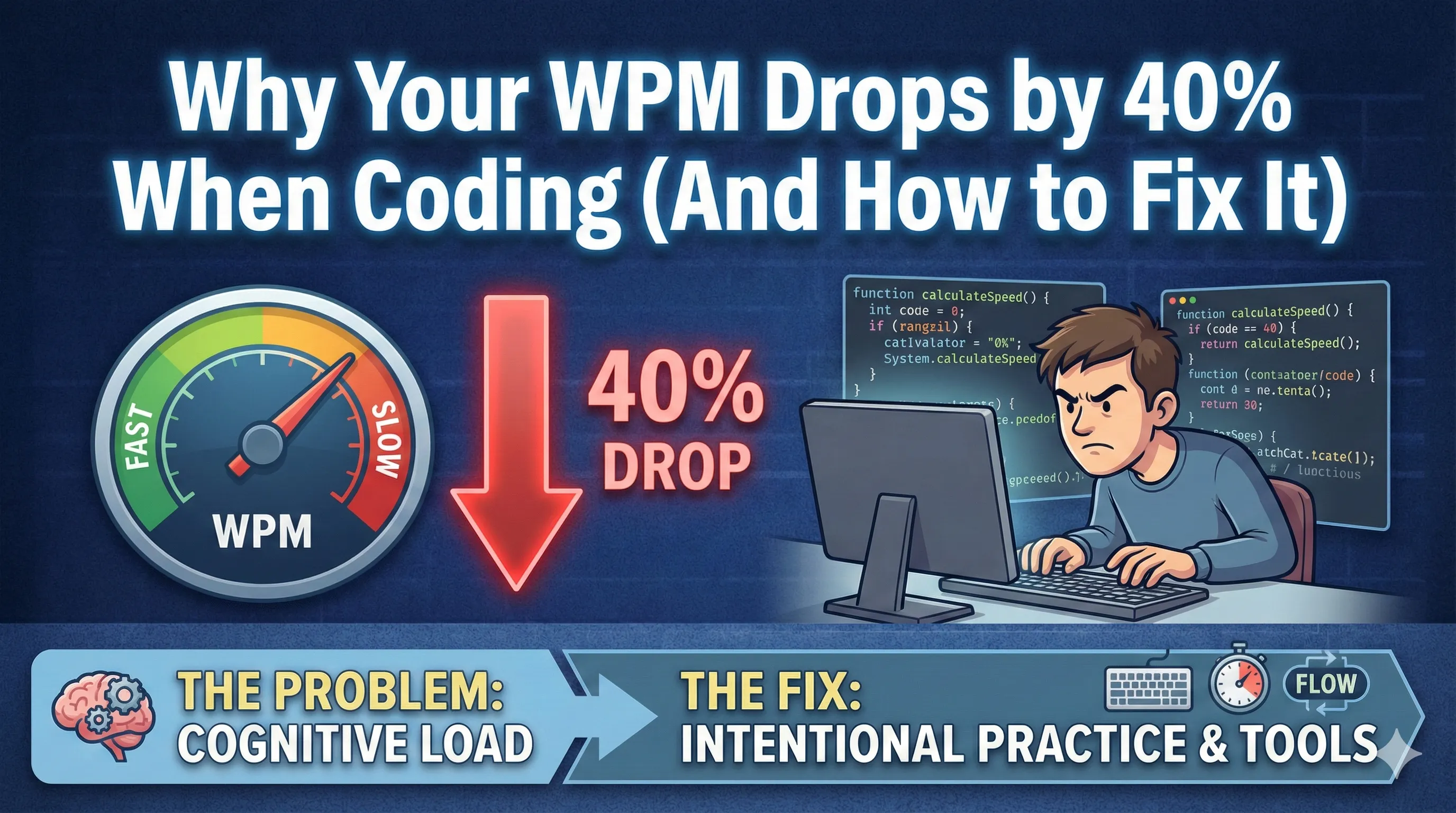
You might type 90 WPM in English, but struggle to hit 50 WPM in Python. We analyze the "Syntax Tax" and why your keyboard choice matters more than you think.
Table of Contents
You sit down to type an email: your fingers fly across the keys. You feel like a hacker in a movie. Then, you open VS Code. Suddenly, your rhythm breaks. You fumble for the curly brace. You look down to find the semicolon.
This is the Syntax Tax. Coding is not writing. It requires a completely different set of muscle memories involving the perimeter of your keyboard—the zone where standard membrane keyboards fail most often.
The Problem with Standard Typing
Standard typing tests measure your ability to type common words like "the", "and", "their". Coding involves symbols like { } [ ] ; => $. On a standard keyboard, these keys are often spongy or inconsistent.
The Hardware Fix
This is why 90% of senior developers switch to mechanical keyboards. Specifically, boards with Tactile (Brown) switches.
Why Keychron?
We recommend the Keychron K2 for three reasons:
- Compact 75% Layout: It keeps your mouse arm straight (better ergonomics), but keeps the Function row you need for debugging.
- Mac/Windows Toggle: A physical switch on the side. No software required.
- Wireless: Clean desk setup, but can be wired for zero latency gaming.
Test Your Real Speed
Stop lying to yourself with English typing tests. Measure your actual coding speed now.
Take the Developer Typing Test
Was this article helpful?
Comments
Loading comments...