Muse AI compared: Meta's personal agent against the top 10 AI assistants


TL;DR
Muse is Meta's personal AI agent: every user gets an agent that runs on its own dedicated computer, works between chats and remembers the job. Here is how it compares with ChatGPT, Claude, Gemini and seven more assistants, plus my referral code if you join.
Table of Contents
Muse in 30 seconds
Pick Muse when you want an agent that keeps working after the chat ends. Pick a rival when one job matters most: cited research from Perplexity, Office documents from Copilot, Google apps from Gemini. The full comparison is below, and my referral code is at the end for anyone who joins.
Muse is Meta's personal AI agent. You give it work the way you would brief a person: check my mail every morning, research this topic, draft that document, remind me on Friday. The agent runs on a dedicated computer that belongs to your account, holds your files and notes, and keeps working between conversations. Most AI assistants answer questions inside a chat window. Muse takes jobs away and brings back results.
This site runs on Muse, so the comparison below comes from daily use. The agent behind Cubbbix checks two mailboxes every morning, keeps the outreach schedules, researches tools before we build them, drafts blog posts like this one, and remembers decisions from weeks ago without being briefed again. That daily workload is the test I used for every assistant on this list: can it hold a job, or can it only hold a conversation?
Figure 1: A personal agent keeps your calendar, mail, tasks and files in one place and works on them between chats.
What I compared
Five things decide whether an assistant earns a place in your day. Who makes it, because support and pricing follow the maker. What it does best, because every assistant on this list has one job it clearly leads. Whether it works between chats, because a reminder you set once should fire without you reopening an app. Where it runs, because an assistant trapped in one app misses the rest of your work. And free access, because most people meet an assistant through its free tier first.
Muse vs the top 10 AI assistants
| Assistant | Maker | What it does best | Work between chats |
|---|---|---|---|
| Muse | Meta | Personal agent that takes jobs away and reports back | Own computer per user, scheduled jobs, background work, memory across chats |
| ChatGPT | OpenAI | General questions, writing and code | Agent mode and scheduled tasks on paid plans |
| Claude | Anthropic | Long documents, careful writing, code | Projects hold your files; computer use in supported settings |
| Gemini | Help inside Google apps and Android | Works across Gmail, Docs and Drive | |
| Copilot | Microsoft | Office documents, email and meetings | Works inside Word, Excel, Outlook and Teams |
| Perplexity | Perplexity AI | Research answers with sources you can check | Answers carry citations; no ongoing job running |
| Grok | xAI | Live answers drawn from X | Reads X posts as events happen |
| Meta AI | Meta | Quick chat help inside Meta apps | Chat inside WhatsApp, Instagram and Facebook |
| DeepSeek | DeepSeek | Free reasoning and code help | Chat answers; the lab publishes open-weight models |
| Pi | Inflection AI | Calm, supportive conversation | Conversation first; no task running |
| Le Chat | Mistral AI | Fast answers from a European lab | Speed, with a free tier |
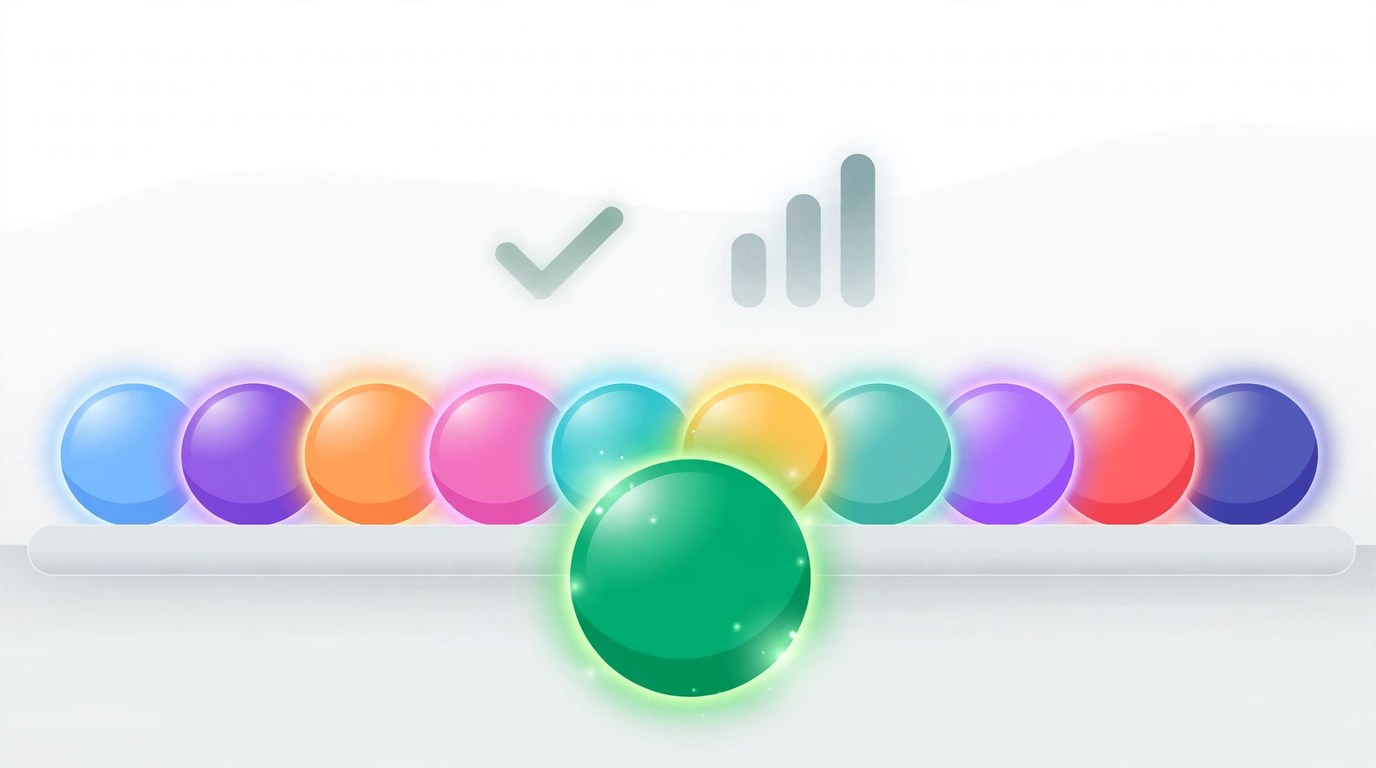
Figure 2: Eleven assistants, eleven different jobs. The right pick depends on the work you hand over.
The top 10 AI assistants, one by one
1. ChatGPT (OpenAI)
ChatGPT is the assistant most people try first, and it earns that spot. It writes well, codes well, handles images and voice, and its paid plans add an agent mode plus scheduled tasks. For one-off questions and drafts, it is hard to fault. Its memory covers preferences and past chats, and the work still centres on sessions you start. Pick it if: you want the strongest all-round chatbot today.
2. Claude (Anthropic)
Claude reads long documents with care and writes in a natural register, which is why writers and programmers rate it highly. Projects give a chat a fixed set of files to work from, and computer use lets it operate software in supported settings. Pick it if: your work is long text, careful editing or code review.
3. Gemini (Google)
Gemini lives where Google users already work. It drafts inside Gmail and Docs, summarises Drive files, and sits on Android phones as the default assistant. Search grounding keeps its answers close to live web results. Pick it if: your mail, documents and phone already run on Google.
4. Copilot (Microsoft)
Copilot is the assistant of the Microsoft 365 workday. It drafts in Word, builds formulas in Excel, summarises Outlook threads and writes up Teams meetings. Outside the Office apps its reach shrinks, and inside them nothing else on this list comes close. Pick it if: your job runs on Word, Excel and Outlook.
5. Perplexity (Perplexity AI)
Perplexity answers questions the way a researcher would: a short answer, then the sources, numbered so you can check each claim yourself. For facts you plan to act on, that habit matters more than speed. It answers and stops; ongoing jobs belong elsewhere. Pick it if: you need answers you can verify before you use them.
6. Grok (xAI)
Grok sits inside X and reads the platform as events unfold, which makes it the fastest route to what people are posting about a breaking story. Its tone is looser than its rivals, and its strength fades once a topic leaves X. Pick it if: you follow live events and public reaction on X.
7. Meta AI (Meta)
Meta AI is the chat assistant inside WhatsApp, Instagram and Facebook, free and already on the phone in your pocket. It answers questions, writes short text and makes images inside the chat you are already having. It shares a maker with Muse and a different job: Meta AI chats, Muse works. Pick it if: you want quick answers inside the apps you already use.
8. DeepSeek (DeepSeek)
DeepSeek, a Chinese lab, gives away reasoning and coding help that rivals charge for, and it publishes open-weight models that developers can run themselves. The trade is trust and data handling: read its privacy terms with the same care you would give any free service that holds your text. Pick it if: you want strong reasoning at zero cost and you accept those terms.
9. Pi (Inflection AI)
Pi talks the way a patient friend talks. It asks follow-up questions, remembers the thread of a personal conversation, and keeps a calm tone when the topic is your life rather than your work. It will not run your schedule or your inbox, and it does not claim to. Pick it if: you want a thoughtful conversation partner.
10. Le Chat (Mistral AI)
Le Chat is the European entry on this list, from Mistral AI in Paris. It answers fast, writes code, and has a free tier that covers everyday use. European hosting and data rules are part of its pitch to EU users. Pick it if: you want a quick assistant from a European lab.
Where Muse fits
Muse gives every user an agent with a computer of its own. That one design choice explains the rest of the product. Files live on that computer between sessions. Scheduled jobs run on it in the morning before you wake. Research, drafts and reminders wait in a Library when you come back. Your agent can reach you on WhatsApp, and it remembers what you decided last month because the memory sits with the agent, not inside a single chat.
The free plan runs Muse Spark 1.3 and carries a usage limit. Paid plans run Muse Wonder, which Meta built for long, multi-step jobs: the cross-country move, the disputed claim, the business you want to start from a hobby. In daily use the difference shows up as stamina. A Wonder agent can hold a 40-step job together, check its own work, and report the result with the sources attached.
Two limits deserve plain words. Muse is new: it launched on September 8, 2026, and the product is still growing. And it is currently available in the US and Canada, on the web at muse.ai, in iOS and Android apps, and in a Mac app. Readers outside those two countries can read this comparison today and will need to wait for a wider release before the referral below applies to them.
Join Muse with my referral code
Disclosure first: the code below is my referral code. If you join Muse and redeem it, you get 1 billion Muse tokens and I get 1 billion Muse tokens. The reward costs you nothing and pays for more of the work this site runs on Muse every day.
Step 1: Join at muse.ai/join and create your account.
Step 2: Within 48 hours of joining, open Settings and redeem the code. In the mobile app: Settings, then Redeem token. On the web: Settings, then General, then Usage, then Redeem invite code.
Step 3: Enter the code I42D4I and confirm. The 48 hour window starts when you join, so redeem the code the same day.
Once the code is accepted, the tokens land on both accounts: yours and mine.

Figure 3: One code, two rewards. Redeem it inside 48 hours of joining and both accounts receive the tokens.
FAQ
Is Muse free?
Yes, with a usage limit. The free plan runs Muse Spark 1.3. Paid monthly plans raise the limit and run Muse Wonder, Meta's strongest model.
How is Muse different from a chatbot?
A chatbot answers inside one conversation. Muse gives you an agent that runs on its own dedicated computer, so it can hold your files, run scheduled jobs while you are away, work in the background on long tasks, and remember decisions across conversations.
How do I redeem the referral code?
Join Muse first, then redeem within 48 hours. In the mobile app, open Settings and tap Redeem token. On the web, open Settings, then General, then Usage, then Redeem invite code. Enter I42D4I and confirm.
Where is Muse available?
Muse launched on September 8, 2026 in the US and Canada. You can use it on the web at muse.ai, in the iOS and Android apps, and in the Mac app. Your agent can also reach you through WhatsApp.
Which assistant should a small business pick?
Match the assistant to the work. Office documents point to Copilot, Google workspaces point to Gemini, cited research points to Perplexity. Work that repeats every day, mail checks, schedules, drafting, follow-ups, points to an agent that runs between chats, which is the job Muse was built for.
If you join, redeem I42D4I the same day. The 48 hour window is the one detail in this whole comparison with a deadline attached.


Was this article helpful?
Comments
Loading comments...