RAID is Not Backup: The Ultimate Home Server Storage Guide

TL;DR
Stop treating your NAS like a vault. We explain why RAID 5 is dangerous in 2026, why ZFS wins, and the 3-2-1 backup rule you are ignoring.
Table of Contents
It is the most common lie in the home lab community: "I don't need to back up my photos; they are on my RAID array."
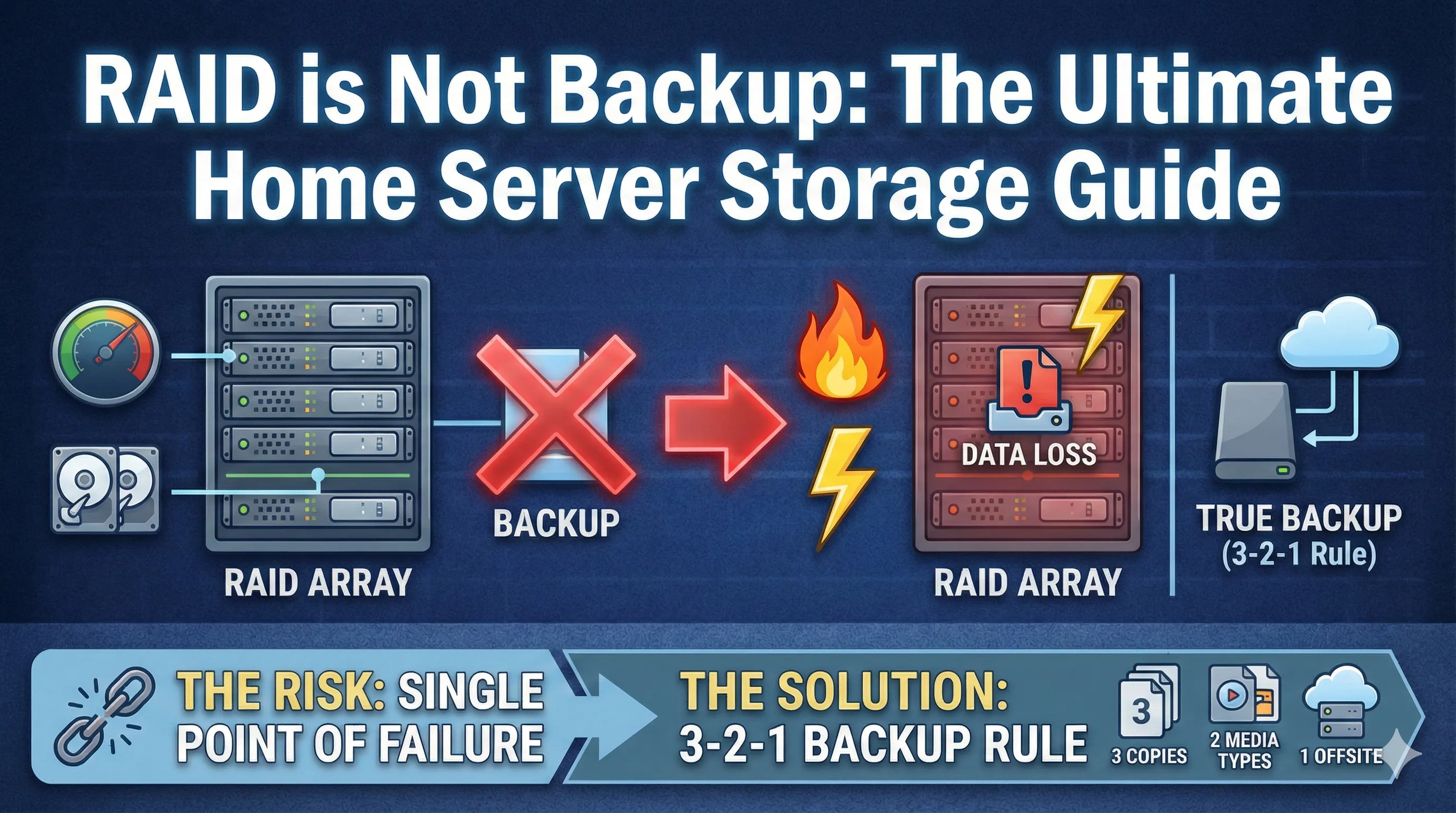
If this is you, you are sitting on a ticking time bomb. RAID (Redundant Array of Independent Disks) is designed for uptime, not preservation. If you accidentally delete a file, RAID happily deletes it from all drives instantly. If ransomware encrypts your NAS, RAID ensures the encryption is perfectly mirrored.
In this guide, we will dismantle the myth of RAID-as-backup, explain why you need to stop using RAID 5, and show you how to build a bulletproof storage strategy using our RAID Calculator.
The Death of RAID 5
For decades, RAID 5 was the sweet spot: you only lose 1 drive worth of capacity but can survive a drive failure. But in 2026, with 20TB+ drives, RAID 5 is a mathematical hazard.
The Ure (Unrecoverable Read Error) Problem
When a drive fails in RAID 5, the controller must read every single bit of the remaining drives to rebuild the data. On a 100TB array, the statistical probability of hitting a "bad sector" during this intense rebuild is high. If that happens, the rebuild fails, and you lose everything.
Enter ZFS: The File System of the Gods
Hardware RAID cards are obsolete. Modern storage uses ZFS (used by TrueNAS) or Btrfs (used by Synology). These are "Copy-on-Write" file systems that detect silent data corruption and self-heal.
Hardware RAID
- Dumb controller.
- No corruption detection.
- Vendor lock-in.
Software RAID (ZFS/SHR)
- Checksums every block.
- Hardware agnostic.
- Snapshots (Time Machine).
The Hardware You Actually Need
Don't build a server from old gaming parts. You need reliability. Here is the gold standard for 2026.
1. The Enclosure: Synology DS923+
If you value your time, buy a Synology. Their implementation of Btrfs (SHR) is rock solid, and the software just works.
2. The Drives: Seagate IronWolf Pro
Do not use "Green" or "Desktop" drives in a NAS. They lack vibration sensors and will die prematurely. IronWolf Pro drives are rated for 24/7 operation and have a workload rate of 550TB/year.
The 3-2-1 Rule
RAID is not backup. This is backup:
- 3 Copies of Data: Original + Backup 1 + Backup 2.
- 2 Different Media: Look (NAS) + External Hard Drive.
- 1 Offsite: Cloud (Backblaze B2) or a drive at your mom's house.
Storage is cheap. Data recovery is expensive. Use our RAID Calculator to plan your capacity, buy the right drives, and sleep tight knowing your digital life is safe.

Was this article helpful?
Comments
Loading comments...