Reverse Audio App Review: Fast, Private Voice Manipulation

TL;DR
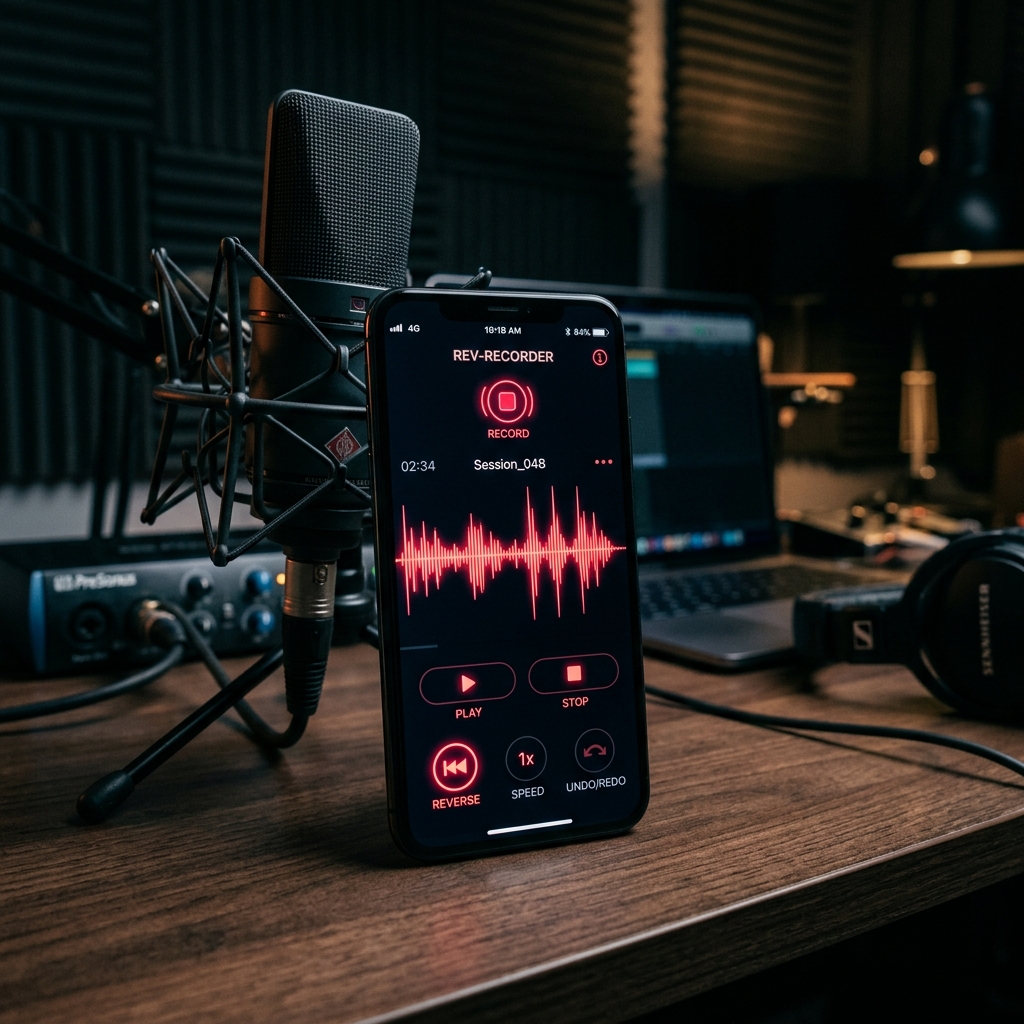
Creators need fast audio tools that work without an internet connection. The Reverse Audio: Voice Recorder app reverses any audio file directly on your Android device.
Table of Contents
Creators need fast audio tools that work without an internet connection. The Reverse Audio: Voice Recorder app delivers exactly that. It reverses any recorded or imported audio file directly on your Android device.
You do not have to upload your files to a cloud server. The app processes everything locally. This keeps your voice recordings private and ensures the app works perfectly offline.
Why TikTok and Snapchat creators use reverse audio
Reverse audio is a core part of short-form video culture.
The most common use case is the Reverse Singing Challenge. A creator records a short phrase, reverses it, and then tries to mimic the backward sounds. When they reverse that second recording, the goal is to make it sound like the original phrase. The results are almost always unintelligible and funny. This simple format drives millions of views.
Creators also use reverse audio for sound design. Reversing the end of a sound effect—like a cymbal crash or an echo—creates a rising, tense transition. This makes simple phone videos feel like professional edits.
How to use the app
The interface is simple. You can capture audio directly using the built-in voice recorder. If you already have a file, you can import it from your device storage.
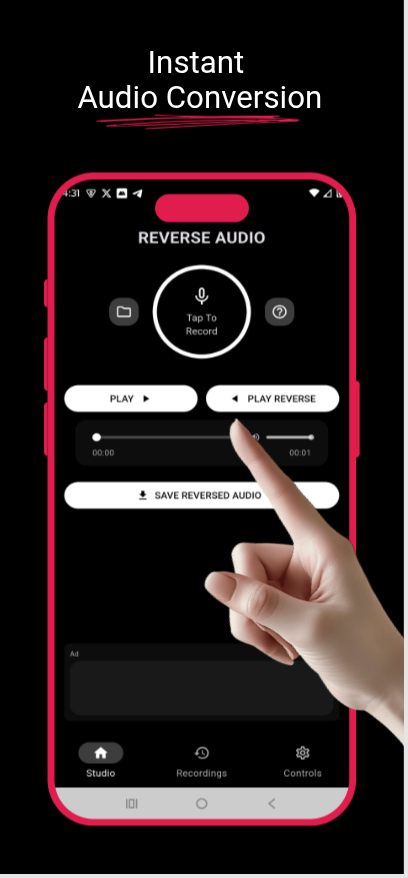
- Open the app and tap the record button, or import a file from your library.
- Tap the "Play Reverse" button to hear the backward version immediately.
- Use the timeline slider to preview specific sections.
- Tap "Save Reversed Audio" to export the file as a high-quality MP3.
You can manage all your saved files directly in the app's library.
Premium studio tools
The free version handles basic reversing. The premium version adds professional effects to modify the sound further.
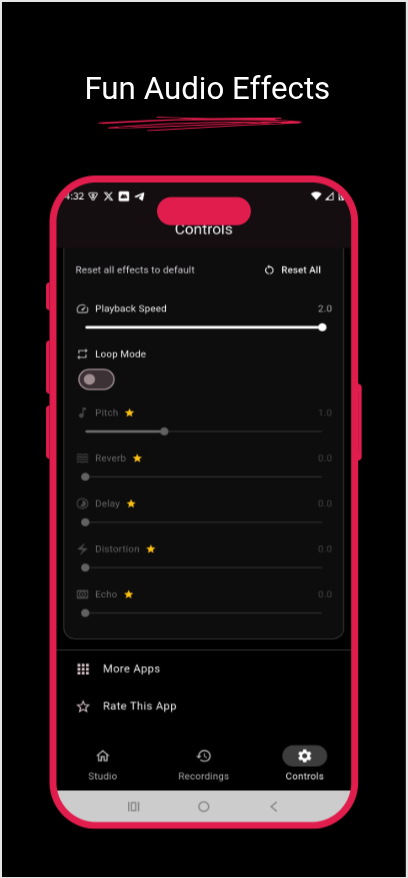
- Pitch Control: Shift the frequency of the audio. This creates deep vocal effects or high-pitched chipmunk voices.
- Reverb & Echo: Add acoustic space to dry recordings.
- Delay: Layer the audio over itself based on specific timing intervals.
- Distortion: Add grit and aggressive texture to the sound.
These tools are useful for podcast editors, music producers, and students studying phonetics who need to manipulate sound on the go.
Privacy and offline processing
Audio apps often require an internet connection to process files on a remote server. Reverse Audio does all the processing on your phone.
Your microphone is only accessed when you actively hit the record button. No data leaves your device. This offline approach protects your privacy and saves your mobile data plan.
Download the app
Reverse Audio is available for free on the Google Play Store.
Download Reverse Audio: Voice Recorder here.
If you find the app useful for your videos or music projects, please leave a 5-star review. Your support helps the developers continue improving the tool. You can also contact support directly through the app if you have feedback or feature requests.


Was this article helpful?
Comments
Loading comments...