The Magic of Disappearing PNGs: Why Animated Transitions Capture More Attention

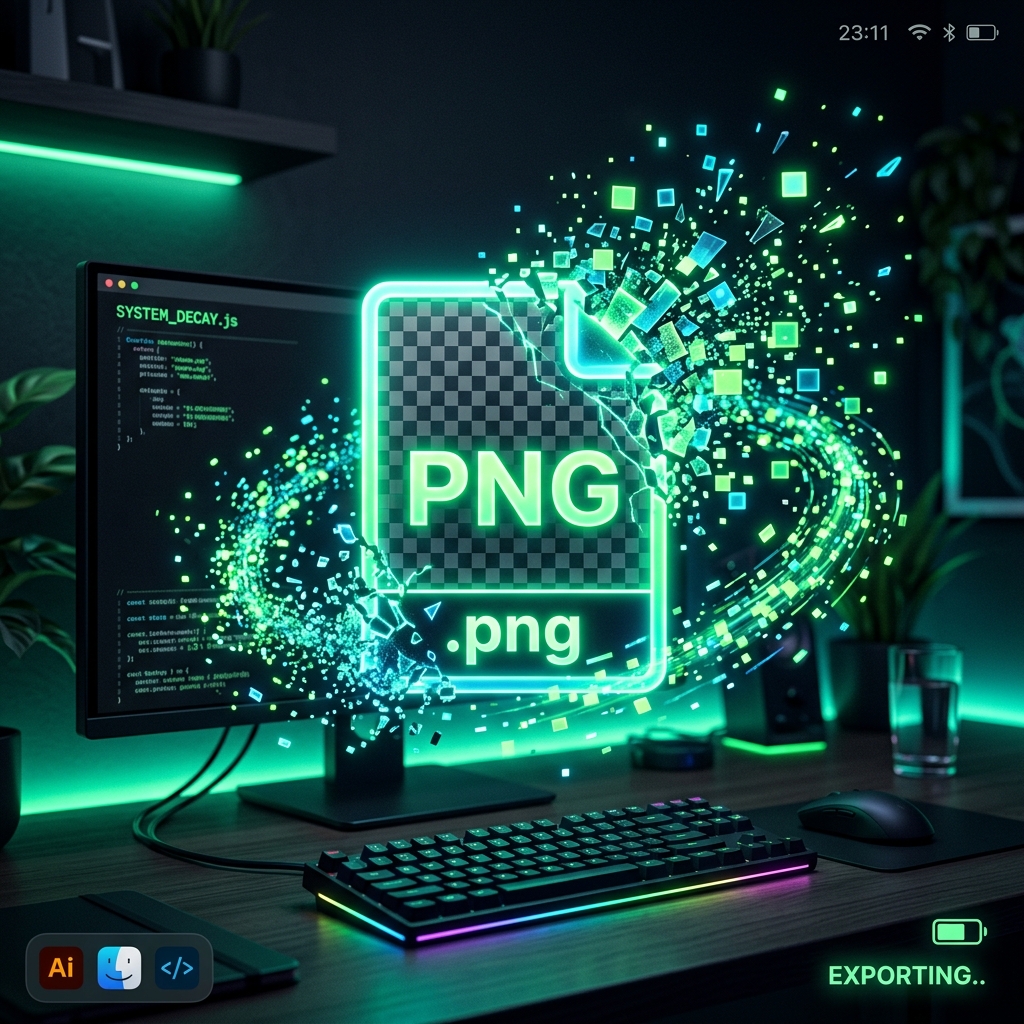
TL;DR
Static images are boring. Learn how alpha-channel manipulation works to create stunning disappearing PNG effects, why client-side formatting is necessary, and how to create your own localized fading GIF animations instantly.
Table of Contents
As social media algorithms crack down on low-effort content, mere static images are no longer enough to stop the infinite scroll. To capture real engagement, modern digital marketers and creators are turning to dynamic visual effects—and one of the most mesmerizing techniques is the Disappearing PNG Effect.
You have probably seen it: a crisp, transparent product image or logo slowly dissolving into a scattering cloud of pixels, fading into a sleek mosaic pattern, or wiping elegantly off the screen. But what actually happens beneath the hood of this animation, and how can you achieve it without paying for an expensive Adobe Creative Cloud subscription?
In this article, we'll dive deep into the technical magic of alpha-channel manipulation, explore the ethical implications of web privacy with image processing, and show you exactly how to build these stunning animations instantly—entirely within your browser.
The Secret Sauce: Alpha Channels
The secret to a "disappearing" PNG lies in a fundamental component of digital imagery: the Alpha Channel. Unlike JPEG images, which only store Red, Green, and Blue (RGB) color data, PNGs (Portable Network Graphics) support an RGBA format.
The "A" stands for Alpha. This channel determines the opacity of a specific pixel, measured on a scale from 0 (completely transparent) to 255 (completely solid).
How Pixel Disintegration Works:
- Fade Effects: The software uniformly reduces the Alpha value of all pixels in the image over several frames until they reach 0.
- Pixel Scatter/Noise: The software uses randomized algorithms to pick individual pixels and drop their Alpha to 0, simulating a "dust in the wind" Thanos-snap effect.
- Mosaic Blocks: Instead of dropping single pixels, the program divides the image into grid blocks and systematically removes the Alpha channel of these entire blocks.
The Server-Side Problem (Why Privacy Matters)
Most online image tools operate on a standard server-side architecture. When you upload your PNG, your browser sends the file across the internet to a remote server. The server (running backend software like ImageMagick) processes the frames, generates the GIF, and sends it back for you to download.
This creates two massive problems in 2026:
- Data Vulnerability: If you are animating proprietary company assets, unreleased product images, or personal watermarks, you are entrusting them to a third-party server that might be storing (or leaking) your data.
- Latency and Speed: Uploading heavy HD PNG files over a slow connection, waiting in a server queue, and downloading the result takes time. It destroys your creative flow state.
The Solution: HTML5 Canvas and Client-Side Rendering
The elegant solution to the server-side problem is leveraging raw browser power. Modern web technologies like the HTML5 <canvas> API and local Web Workers allow us to perform pixel-perfect manipulation directly on your device's RAM.
When you use a sophisticated client-side tool, the image file never leaves your computer. The browser reads the image locally, breaks it down into pixel data arrays, applies the mathematical alpha-channel reductions frame-by-frame, and encodes the GIF using background threads.
The result? Zero upload time. Zero download time. Zero privacy risk.
Advanced Image Creation Beyond Browsers
While browser-based client-side tools are revolutionary for quick animations, sometimes you need to construct the foundation of these assets from scratch using generative AI.
If you are serious about producing high-end marketing campaigns, generating the core transparent assets requires professional-grade software. We highly recommend utilizing the incredibly powerful generative fill and AI generation tools found within the Adobe Creative Cloud Ecosystem. Tools like Adobe Photoshop and Illustrator offer unparalleled control over alpha channels before you even begin the animation process.
Try it Yourself for Free
Experience the speed of client-side rendering. Create your own custom dissolving, scattering, and fading GIFs instantly using our 100% private, locally-processed tool.
Launch the Disappearing PNG Creator


Was this article helpful?
Comments
Loading comments...