How to cut a panorama into swipeable carousel slides that line up

TL;DR
Cut a wide panorama into swipeable carousel slides for Instagram and similar feeds. Edge-to-edge slices, numbered downloads, ZIP in posting order.
Table of Contents
A swipeable panorama in 30 seconds
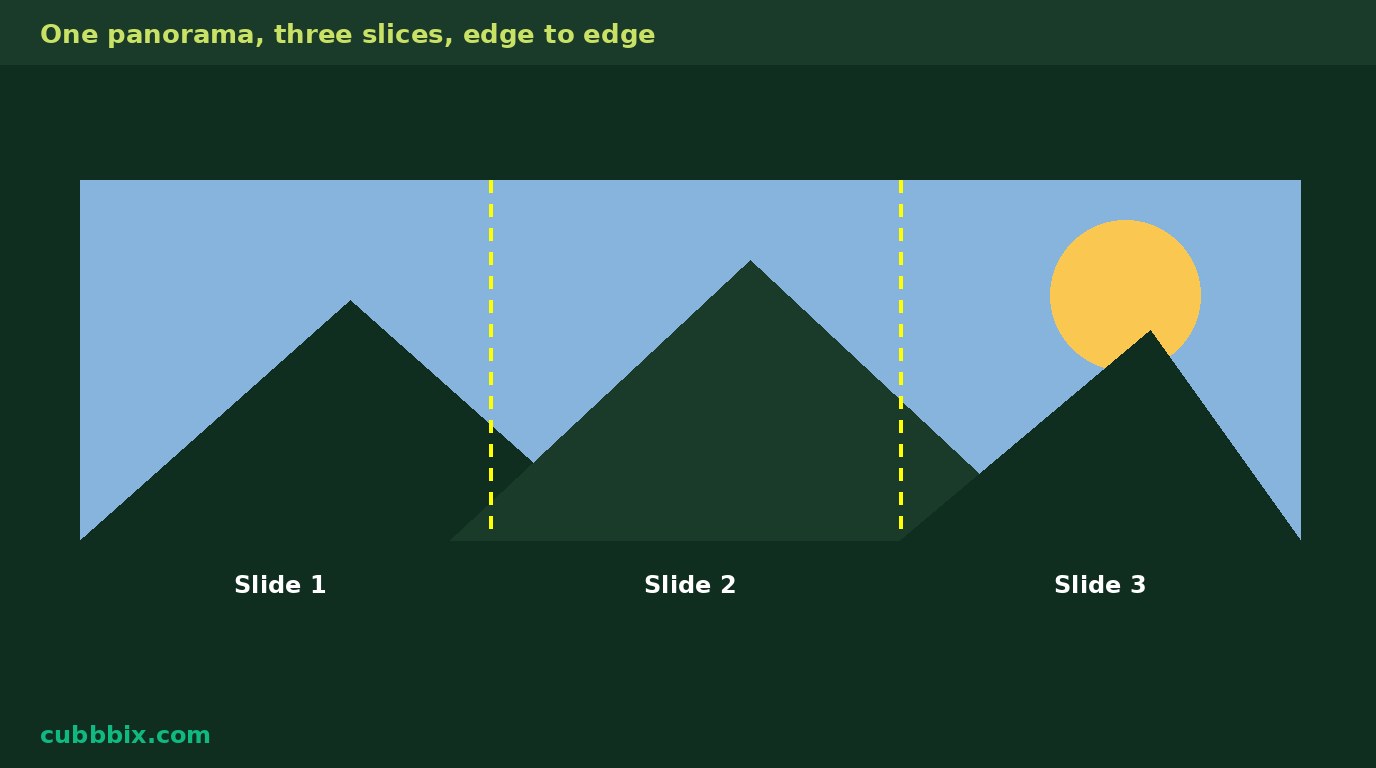
A carousel post shows one slide at a time, and swiping moves to the next. When the slides are slices of one wide image, the right edge of slide 1 continues into the left edge of slide 2, so the swipe feels like panning across one picture instead of jumping between separate pictures. That only holds if the slices are taken from one image at one scale, with no gaps and no rescaling between slices. The free Cubbbix Carousel Splitter does exactly that: every slide is cut from the same source at the same height, and the slice positions are spaced evenly from the left edge to the right edge.
The spacing maths is simple, and the page shows it. A slide at 4:5 with a height of 1350 pixels is 1080 pixels wide. If the panorama is 5400 pixels wide and you ask for 5 slides, the step between slice starts is 5400 minus 1080, divided by 5 minus 1, which is 1080. The slices are 0, 1080, 2160, 3240 and 4320, edge to edge with no overlap. If the panorama is 5000 pixels wide and you ask for 4 slides, the step is 5000 minus 1080, divided by 3, which is 1306.67, rounded to 1307, so neighbouring slides share a small strip and nothing in the middle is skipped. The last slide always ends exactly at the right edge, because the step is derived from the total width, not guessed.
Figure 1: One panorama, three slices. The right edge of slide 1 continues into the left edge of slide 2. That continuation is the whole effect.
How wide is wide enough
Multiply slide width by slide count. Three slides at 1080 wide need 3240 pixels of panorama width for edge-to-edge slices with no overlap, and five slides need 5400. A phone panorama is often 4000 to 8000 pixels wide, which covers 3 to 5 slides comfortably. Below the minimum, the page still splits but warns that slices overlap heavily, because overlapping slices repeat content and the pan effect weakens. A narrow source upscaled to the needed width will look soft, so a panorama that is too narrow is better posted as fewer slides than stretched into more.
Instagram feed carousels read best at 4:5 portrait, which fills the most phone screen, or 1:1 square for images that must also work elsewhere. 3:4 is the shape Instagram shows for covers posted from the app, and 9:16 is a story shape, not a feed carousel shape: a 9:16 carousel slide is very tall and narrow, so it suits tall panoramas only. LinkedIn document carousels upload as a PDF, not as image slices, so these slices are for image carousels on Instagram and similar feeds. Posting order is the numbered order in the ZIP. Uploading out of order breaks the line, so the files are numbered slide 1 of 5, slide 2 of 5, and so on.
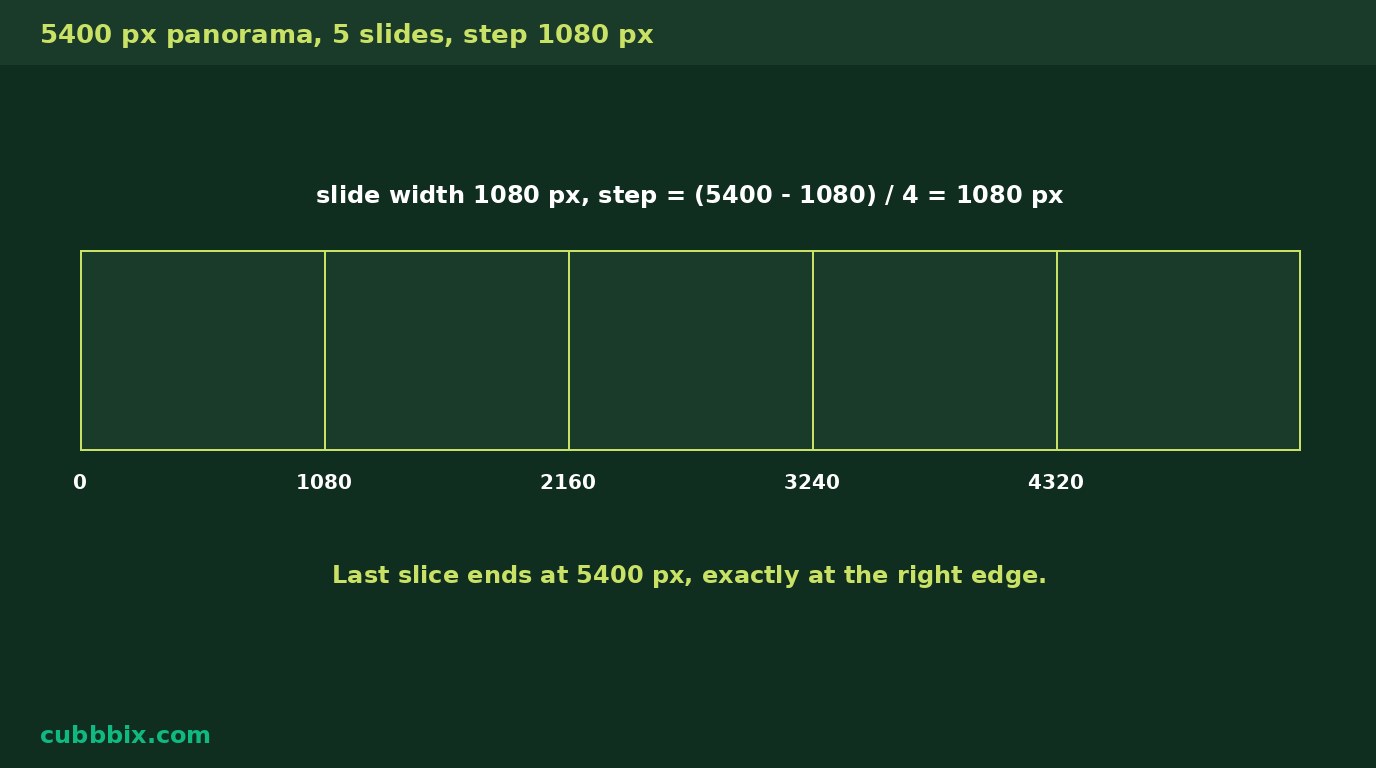
Figure 2: Five slides from a 5400 pixel panorama. Step equals total width minus slide width, divided by slides minus one. First slice starts at 0, last ends at 5400.
What breaks the effect
Three things break it. Rescaling one slide differently from the others, which shifts the line. Uploading out of order, which scrambles the line. And a source that is not one continuous picture, like a collage with borders between panels, where the slices cut through the borders and the line never forms. Vertical panoramas do not split into horizontal slides either: the page refuses images that are not wider than tall and says so, rather than producing stretched slices. An edge-to-edge carousel starts with a single wide shot, and no tool fixes a source that was never one picture.
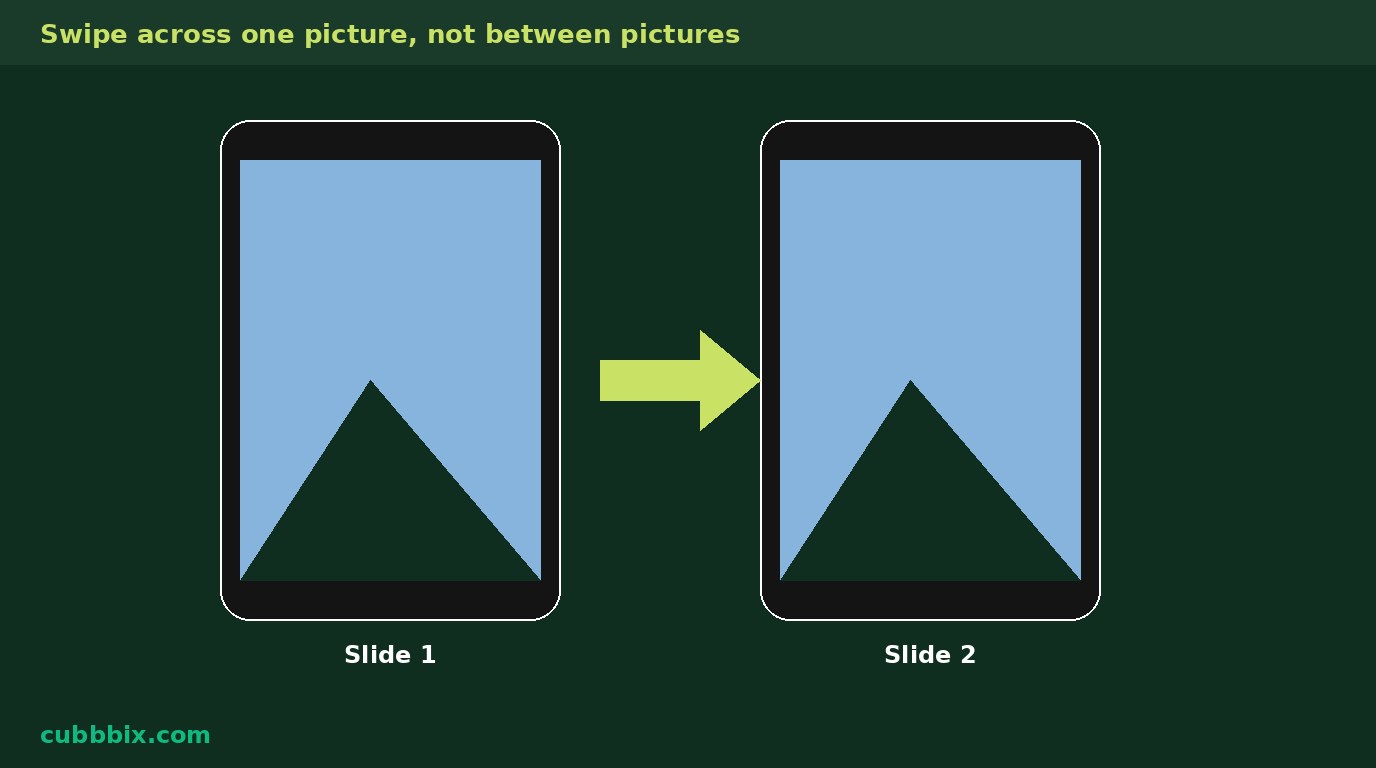
Figure 3: On a phone, the swipe moves the view across one picture. If the second slide does not continue the first, the reader notices at once.
Questions people ask
How are the slice positions worked out?
Slide width comes from the slide shape and height: 4:5 at 1350 tall is 1080 wide. The step between slice starts is panorama width minus slide width, divided by slide count minus one. The first slice starts at the left edge and the last ends exactly at the right edge.
How many slides can I make?
From 2 to 10 on this page. Instagram allows up to 20 slides in a carousel, but beyond 10 the slices of a normal panorama overlap so much that the pan effect weakens.
Is my image uploaded anywhere?
No. Splitting runs in your browser. Nothing leaves your device.


Was this article helpful?
Comments
Loading comments...