How to set a countdown timer to any date, and why time zones trip people up

TL;DR
A live countdown timer to any future date, event or deadline, ticking down to the second in your browser. Nothing uploaded.
Table of Contents
Start a countdown in 30 seconds
Open Cubbbix Countdown Timer.
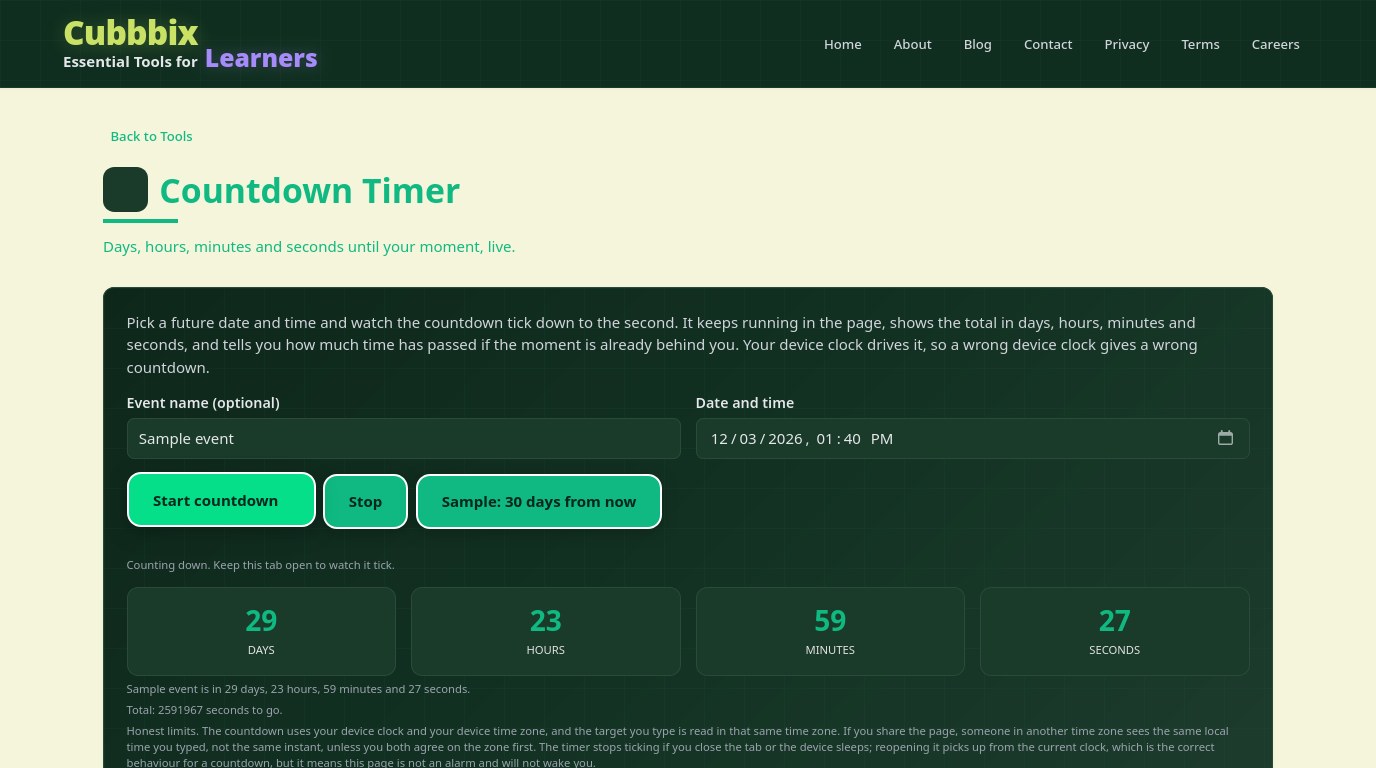
A countdown is a subtraction: the target instant minus now, split into days, hours, minutes and seconds. The free Cubbbix Countdown Timer does that subtraction live, ticking down to the second, and when the moment passes it flips to showing how long ago it passed, in the same layout, so you can see exactly how late it is. It needs no account and no install, and nothing you type leaves your device.
The split is where countdowns go wrong, because a day is not always 24 hours. On a day when clocks jump for daylight saving, the gap between two midnights can be 23 or 25 hours, and a countdown built on calendar days would be an hour out. This page subtracts real elapsed time, in milliseconds, and then splits the remainder, so a daylight-saving change in the middle lands correctly and the seconds keep ticking at one per second.
Figure 1: Real elapsed time, split into days, hours, minutes and seconds. A calendar-day count would miss daylight saving.
Time zones are the real trap
A date and time typed without a zone is a local time, and two people in different zones reading the same typed time mean two different instants. This page reads your target in your device time zone, which is right for a personal deadline and wrong for a shared one unless you agree on the zone first. For a flight, an exam or a deadline other people share, agree on the zone, type the time as it reads where you are, and check the total days figure against your ticket or notice before you rely on it.
The seconds do real work too. They prove the timer is live, they show a deadline crossing zero the moment it passes, and they catch a wrong target at once: a target typed as next month instead of this month shows 30 days where you expected 2. If the number looks wrong, it usually is, and the seconds are what make you notice.
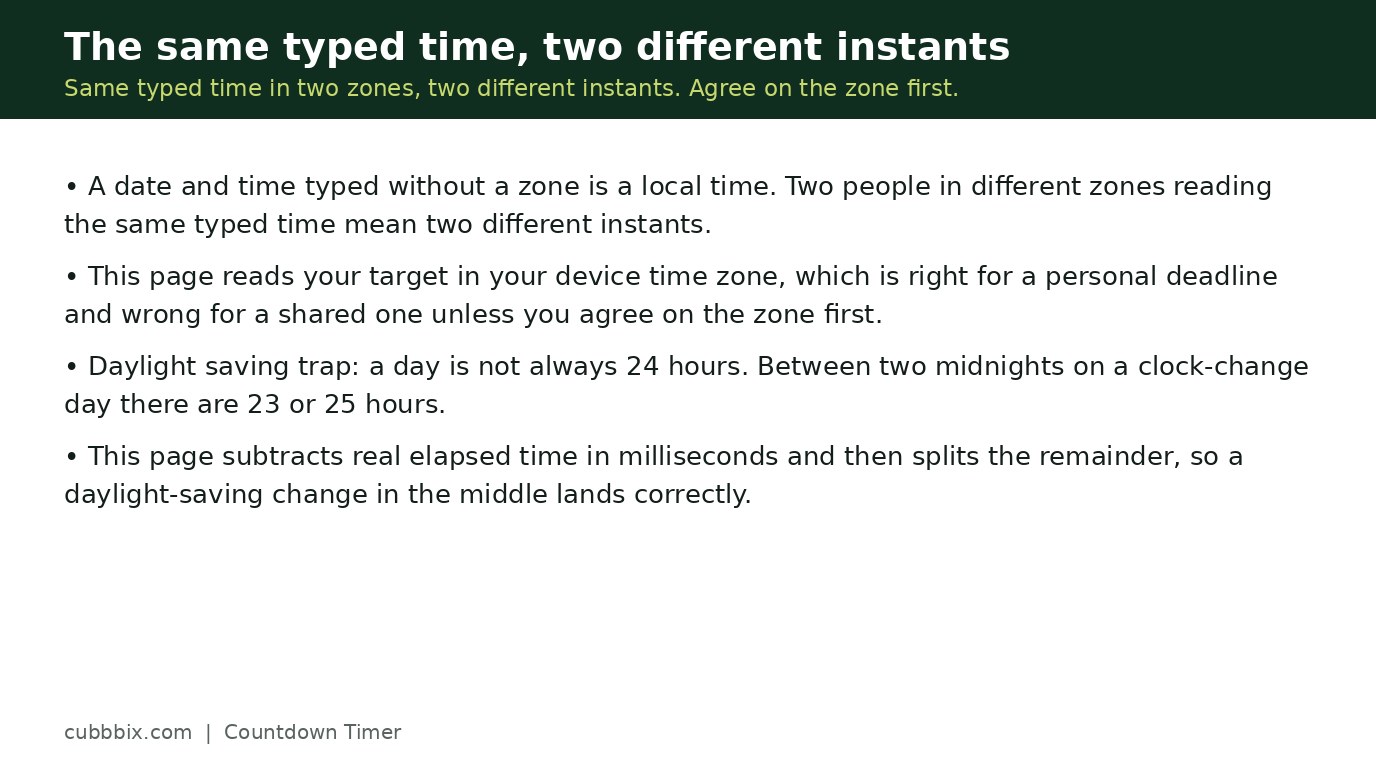
Figure 2: The same typed time means two different instants in two zones. Agree on the zone first.
A countdown is not an alarm
This page shows the time remaining. It does not sound when it reaches zero, and it stops while the tab is closed, because a web page cannot run while it is not open. Reopening it and pressing Start picks up from the current clock, which is correct for a countdown, but it means this page will not wake you. For anything you must not miss, set a phone alarm or calendar reminder as well, and use this page to see how long is left.
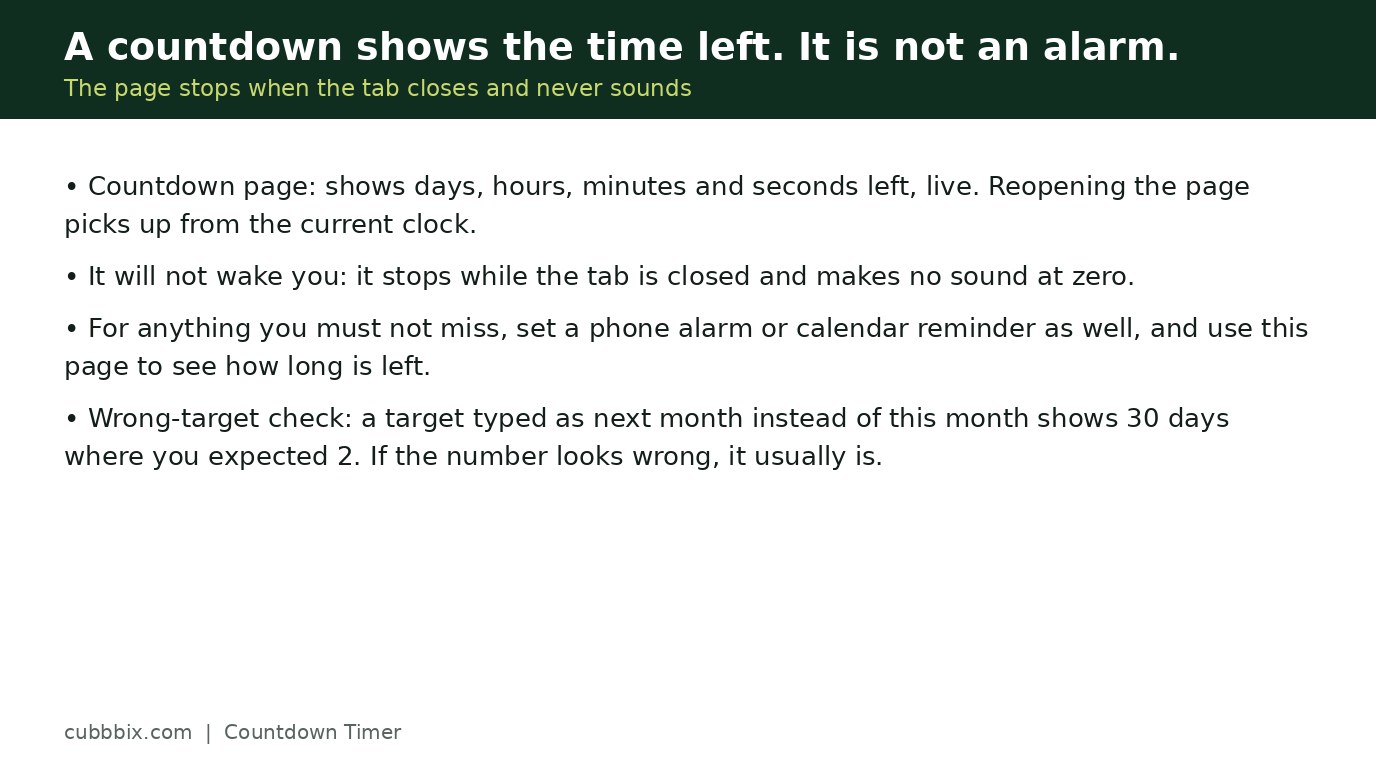
Figure 3: Use the countdown to see how long is left, and a phone alarm to make sure you act on it.
Questions people ask
What time zone does the countdown use?
Your device time zone. The date and time you type are read as local time on your device, so agree on the zone with anyone else sharing the event.
What happens when the countdown reaches zero?
It stops counting down and shows the time elapsed since the moment passed, in the same days, hours, minutes and seconds layout.
Does it keep counting if I close the tab?
No, but reopening the page and pressing Start again picks up from the current clock. It is not an alarm and will not sound or wake the device.


Was this article helpful?
Comments
Loading comments...