How to clean a messy CSV: trim, dedupe and drop blank rows

TL;DR
Clean a messy CSV in your browser: trim cells, drop blank rows, remove duplicate rows and empty columns. RFC 4180 parsing, nothing uploaded.
Table of Contents
Clean a messy CSV in 30 seconds
Open Cubbbix CSV Cleaner.
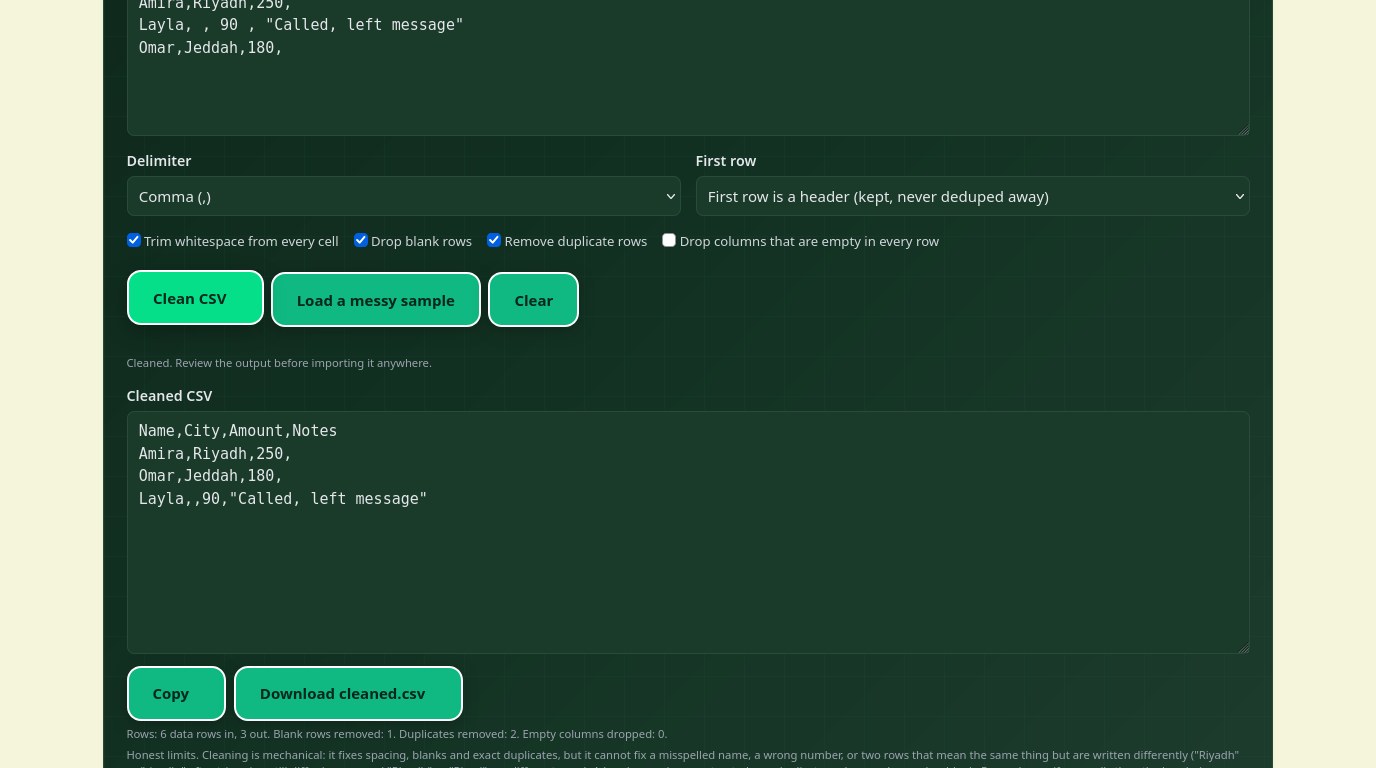
A CSV export looks clean until you try to import it. Then the blank rows become nameless records, the duplicate rows double-count a sale, and a stray space turns one city into two. The free Cubbbix CSV Cleaner fixes the mechanical mess in one pass: it trims every cell, drops blank rows, removes exact duplicates, and, if you ask it to, drops columns that are empty in every row. Nothing is uploaded.
The order of the four passes matters, and it is worth knowing. Trimming comes first, so a row that only looked different because of spaces becomes a true duplicate and is caught by the next pass. Blank rows go next, so the duplicate count stays honest. Only then are duplicates removed, and empty columns are judged on what remains, not on the original mess. Your header row is set aside before all four passes and put back untouched, so a header that happens to match a data row can never eat it.
Figure 1: Trim, drop blanks, remove duplicates, drop empty columns, in that order.
Why quoting matters more than commas
The CSV standard, RFC 4180, has one rule that saves most files: a field holding a comma, a quote or a line break must be wrapped in double quotes, and a quote inside such a field is written as two quotes. So the value Say "hi", friend is stored as "Say ""hi"", friend". A parser that splits on every comma breaks that address in two; a parser that follows the rule does not. This tool parses and writes by that rule, and re-quotes only the fields that need it, so the cleaned output stays importable by the same tools that read the original.
Two kinds of mess this tool deliberately does not fix. Near-duplicates are not duplicates: "Riyadh" and "riyadh" differ in case, and "Riyadh" and "Riyad" differ in spelling, and both survive, because guessing that two different-looking rows are the same would delete real data. And wrong values stay wrong: a misspelled name or a mistyped amount is a data problem, not a formatting problem, and it belongs back at the source system.
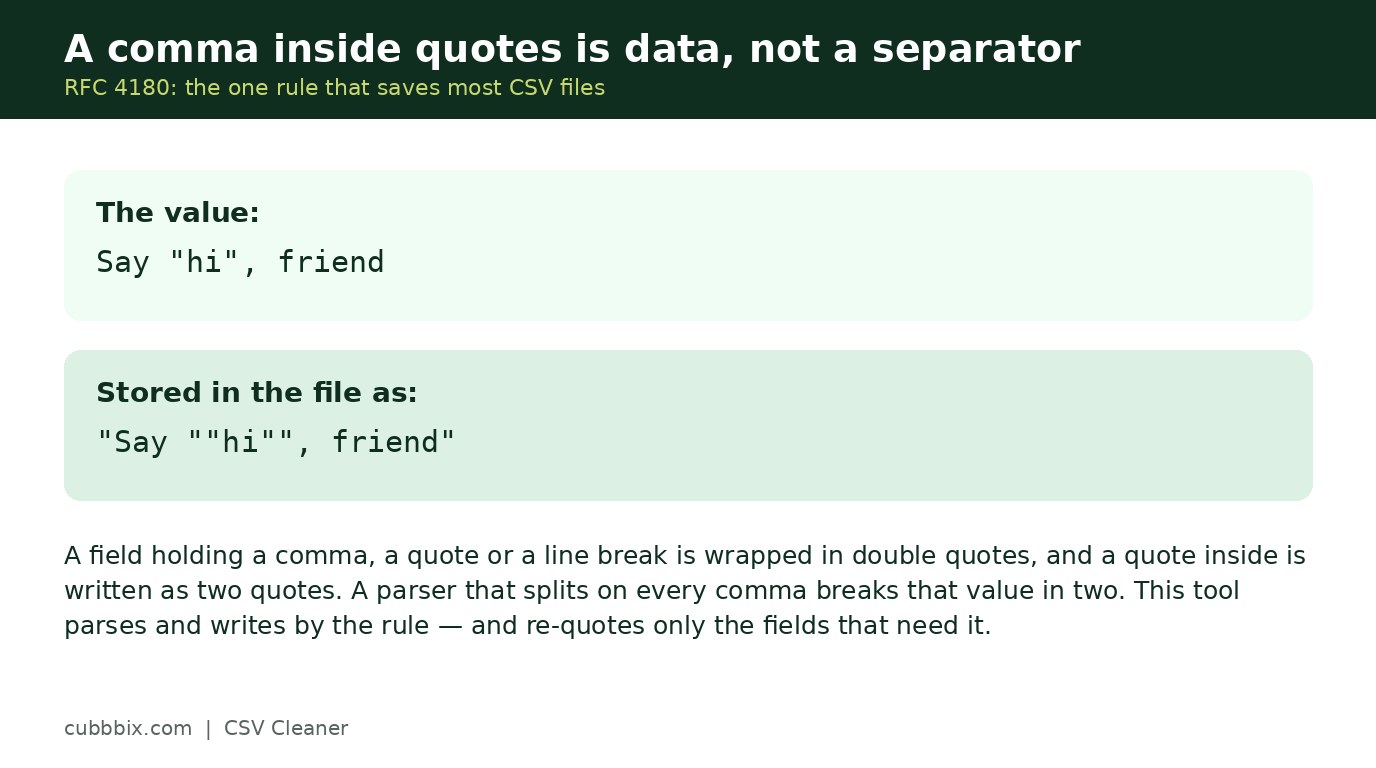
Figure 2: A comma inside quotes is data, not a separator. That is the whole trick.
Before you import the cleaned file
Read the counts the tool reports: rows in, rows out, blanks removed, duplicates removed, columns dropped. If the duplicate count looks wrong, your file probably has near-duplicates the tool rightly kept; sort it in a spreadsheet and fix the source. If a column was dropped, check it was truly empty and not just empty in the rows you pasted. Then import the cleaned file into a test list first, not your live contacts or shop, and check one record end to end before the rest.
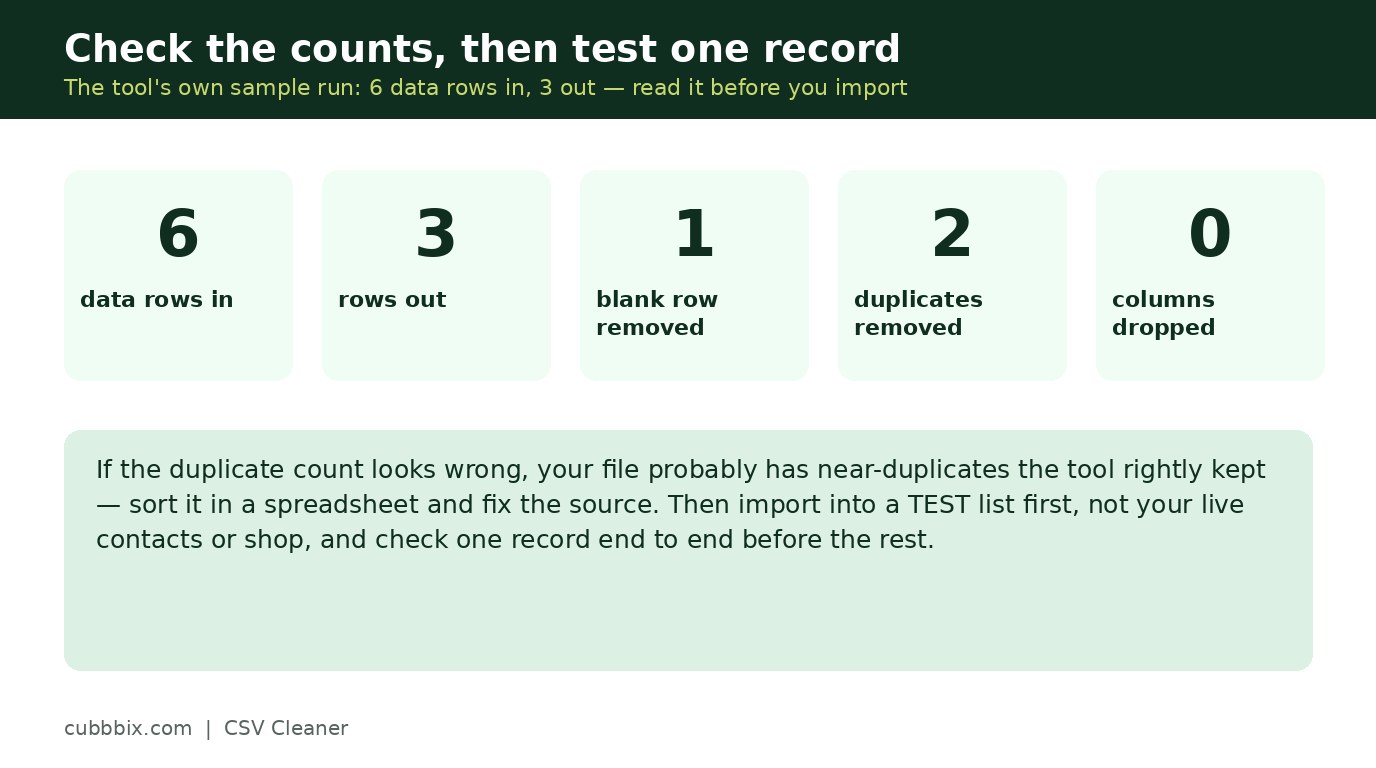
Figure 3: Check the counts, then test one record before importing the rest.
Questions people ask
Will it fix my spelling mistakes?
No. Cleaning fixes spacing, blanks, exact duplicates and empty columns. A misspelled name or a wrong number is a data error, and only the source system or a human can fix it.
Does it handle semicolon files?
Yes. Pick semicolon or tab as the delimiter. Files from European spreadsheet apps often use semicolons because commas are decimal separators there.
Is my file uploaded anywhere?
No. The parsing and cleaning run in your browser. The file never leaves your device.


Was this article helpful?
Comments
Loading comments...