How to merge two CSV files: stack rows or join on a key

TL;DR
Combine two CSV exports in your browser: stack rows by header name, or join on a shared key column with left and inner joins. Nothing uploaded.
Table of Contents
Merge two CSVs in 30 seconds
Open Cubbbix CSV Merge & Join.
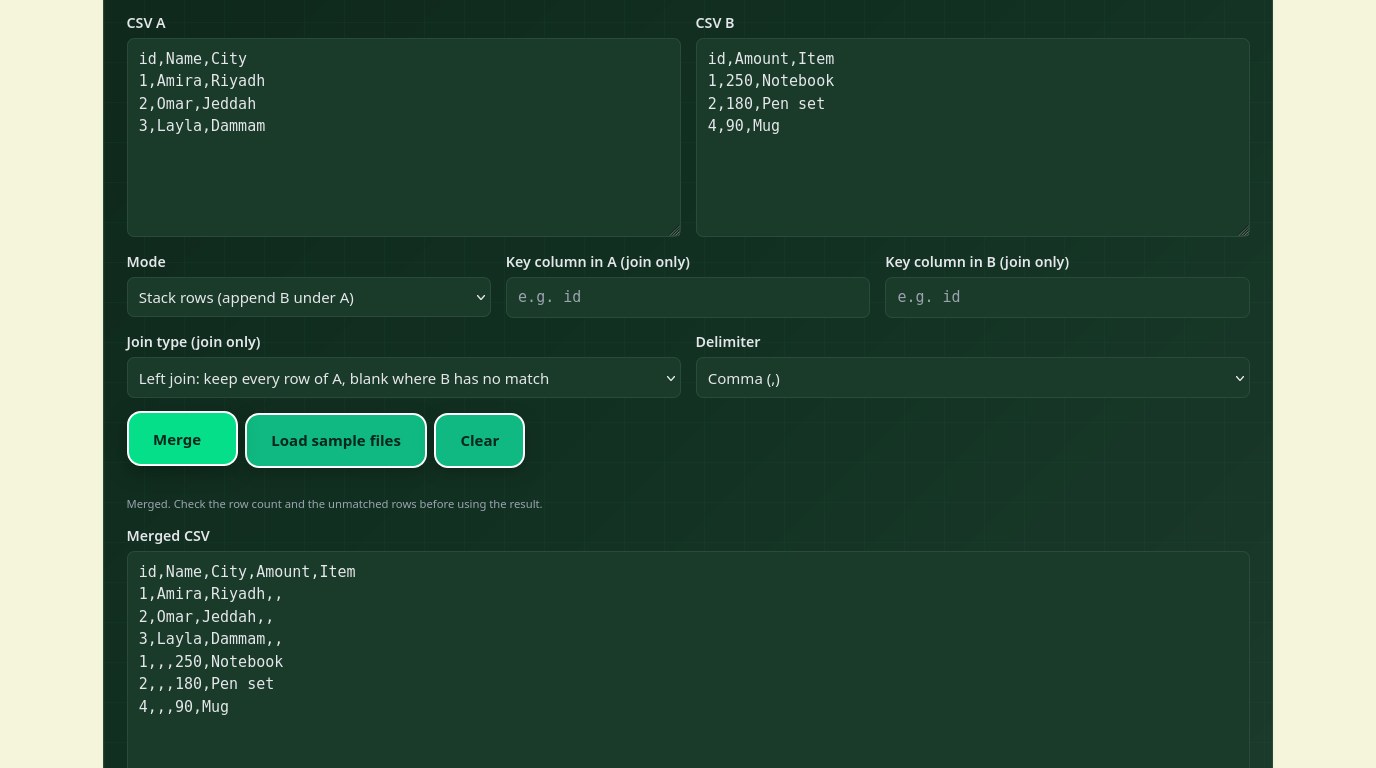
Sooner or later two spreadsheet exports need to become one, and the question that decides everything is whether the files describe the same kind of thing or the same things from different angles. January orders and February orders are the same kind of thing: stack them, same columns, more rows. Customers in one file and their orders in another are the same things from different angles: join them on a shared key, same rows, more columns. The free Cubbbix CSV Merge & Join tool does both, in your browser, and tells you how many rows matched and how many went unmatched.
A stack here matches columns by header name, not by position, so a February export with its columns in a different order still lines up, and a column that exists in only one file is kept with blanks in the other file's rows. A join works like the VLOOKUP or XLOOKUP you may know from spreadsheets, except it runs on both files at once. A left join keeps every row of file A even when file B has nothing for it; an inner join keeps only the rows that exist in both, which is the right choice when you only want complete records.
Figure 1: Stack for more rows, join for more columns. Picking the wrong one is the classic merge mistake.
Pick a key that is truly unique
A join is only as good as its key. Names are bad keys: two customers can share a name, and one customer can be "Amira" in one file and "Amira Hassan" in the other. Use an ID, an email address or a phone number, the same value in both files, one row per value. If file B repeats a key, this tool keeps the first row and reports the duplicates, rather than silently multiplying your rows the way a careless join does.
Keys are compared as text, never as numbers, so leading zeros survive: "007" stays "007" and does not become 7. The trade-off is that "12" and "12.0" do not match, so if your exports disagree on number formats, normalise them before joining. Keys are trimmed of surrounding spaces, but capitalisation matters, so "Amira" and "amira" are different keys until you normalise case in both files.
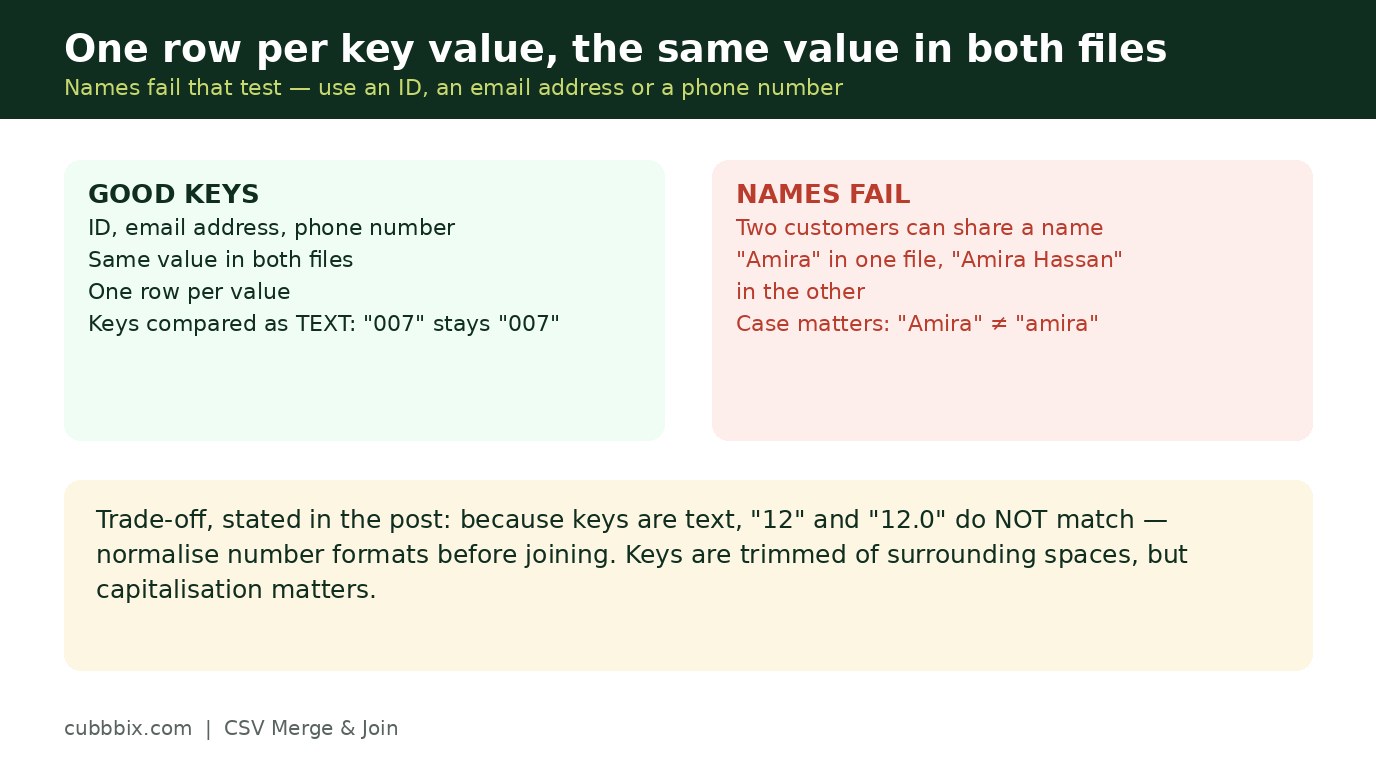
Figure 2: One row per key value, the same value in both files. Names fail that test.
Check the match count before you trust the result
Every merge this tool runs ends with a count: rows matched, rows unmatched, duplicate keys found. Read it before using the result. A join where half of file A went unmatched usually means the key columns do not really agree, perhaps one file has emails and the other has IDs, or one file trims spaces and the other does not. A stack where a column came out half blank usually means the headers disagree, "Email" in one file and "email" in the other. Both are five-minute fixes once you see the count, and silent corruption if you do not.
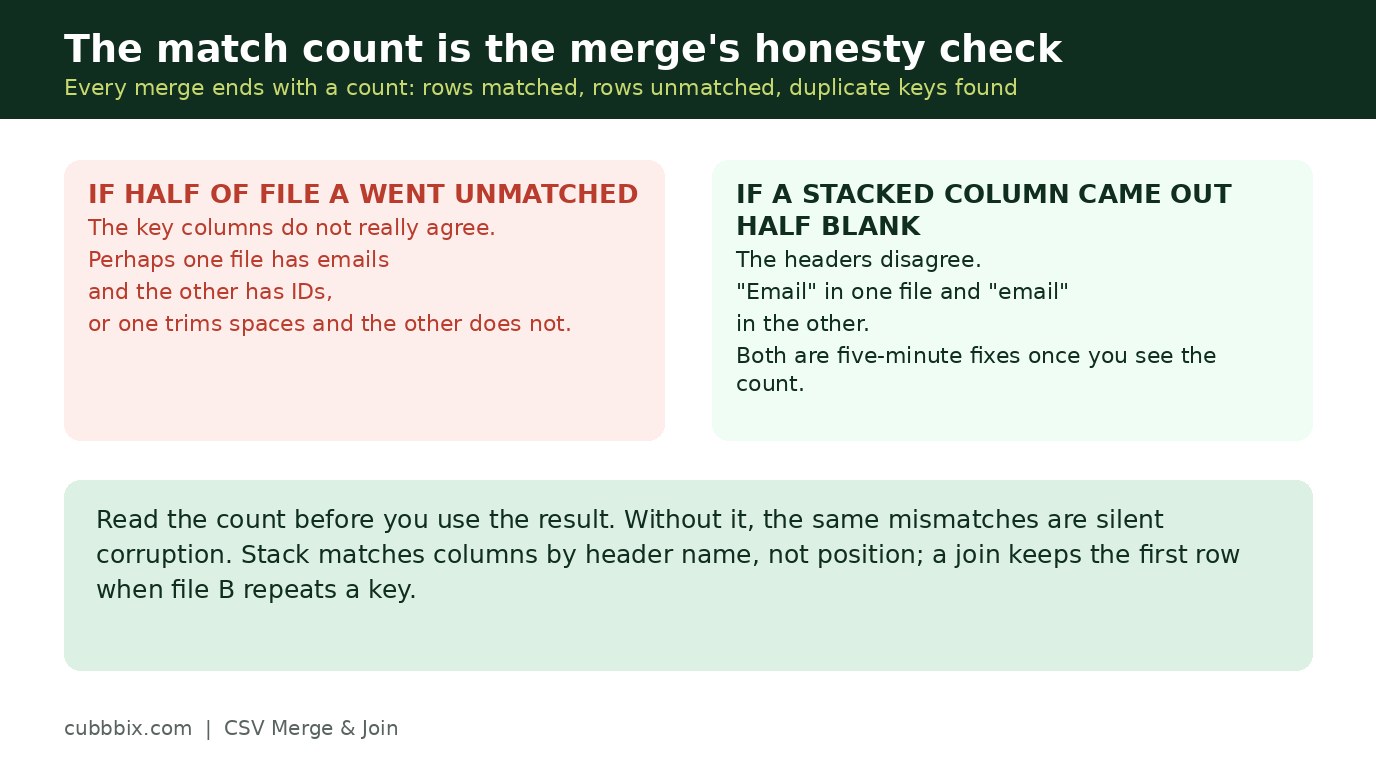
Figure 3: The match count is the merge's honesty check. Read it before you use the result.
Questions people ask
Can I merge more than two files?
Not in one run. Merge the first two, download the result, then merge that with the third. Each run reports its own counts, so problems stay visible step by step.
What if my files use semicolons?
Pick semicolon or tab as the delimiter before merging. Both files must use the same delimiter in one run.
Is my data uploaded anywhere?
No. Both files are parsed and merged in your browser. Nothing leaves your device.


Was this article helpful?
Comments
Loading comments...