A Free Domain Rating Checker

TL;DR
A free tool to check your Ahrefs Domain Rating (DR) without an API key or account. Learn how it works, how to read your score, and how to improve your backlink authority.
Table of Contents
We built a free tool to check your Ahrefs Domain Rating (DR). You don't need an Ahrefs account or an API key.
You enter a domain, solve a simple addition problem, and the tool returns your score out of 100. It queries the Ahrefs public API directly to get the current number.
What Domain Rating is
Domain Rating is a metric created by Ahrefs. It measures the strength of a website's backlink profile. The score runs from 0 to 100.
A high DR means a site has many high-quality backlinks pointing to it. These sites generally have an easier time ranking for competitive keywords in search engines.
The DR scale is logarithmic. Moving your site from DR 20 to DR 30 takes less effort than moving from DR 70 to DR 80. The quality of the linking site controls the impact. One link from a major news site increases your score more than 50 links from forum signatures.
How the tool works
The checker uses the public Ahrefs API to pull the most recent DR for any domain.
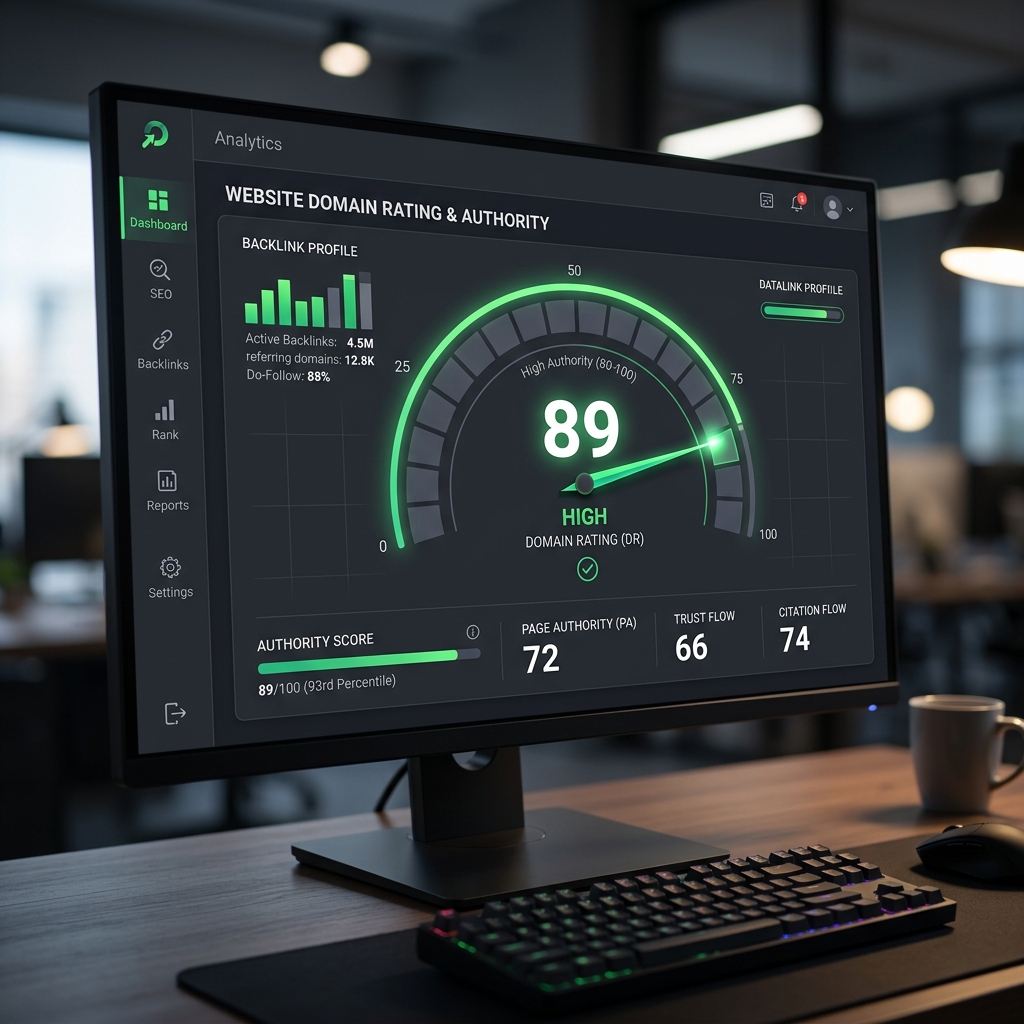
When you check a site, the interface displays the score inside a visual ring. It also gives a plain-text assessment. For example, a DR of 65 will show as "Good — solid authority," while a DR of 25 will show as "Weak — needs backlink building."
The tool tracks every check in a database. This creates a public pool of domains. When you get your score, the tool shows you up to 10 other sites with the exact same Domain Rating. This gives you a clear look at the competition at your level. It also displays the average DR of every site in the pool.
You can add your site to this recommendation pool. If you opt in, your domain appears when other users get the same DR. This can send direct traffic to your site.
Tracking and sharing
The tool keeps a history of your recent checks. You can monitor how your backlink profile changes over time without logging in.
You can share your score directly to Twitter, Facebook, or LinkedIn using the built-in share buttons. You can also copy the direct link to send to a client or team member.
The tool supports English, Spanish, Japanese, and Dutch. You can switch languages from the top of the page.
How to use your score
A DR above 50 is strong. Top-tier sites like Wikipedia sit above 90. Most new or small sites range between 20 and 40.
Compare your DR against your direct competitors. If their scores are 30 points higher, you will likely need more backlinks to outrank them.
You improve your score by earning links from authoritative sites in your niche. Guest posting, digital PR, and publishing original data are reliable ways to get them. Checking your DR once a month tells you if your link building works.

Was this article helpful?
Comments
Loading comments...