EPUB to text: extract text and chapters from an EPUB ebook

TL;DR
Extract text and chapters out of an EPUB ebook locally: container to package to spine order, chapter by chapter, in your browser. Nothing is uploaded.
Table of Contents
EPUB to text in 30 seconds
Open Cubbbix EPUB to Text.
You have an ebook and you need its text: for quoting, for searching, for a plain text archive, or for reading on a device that does not handle EPUB. The free Cubbbix EPUB to Text tool takes an .epub file, unzips it in your browser, follows the container file to the package file to the spine order, and writes each chapter out as plain text, in reading order. Nothing is uploaded.
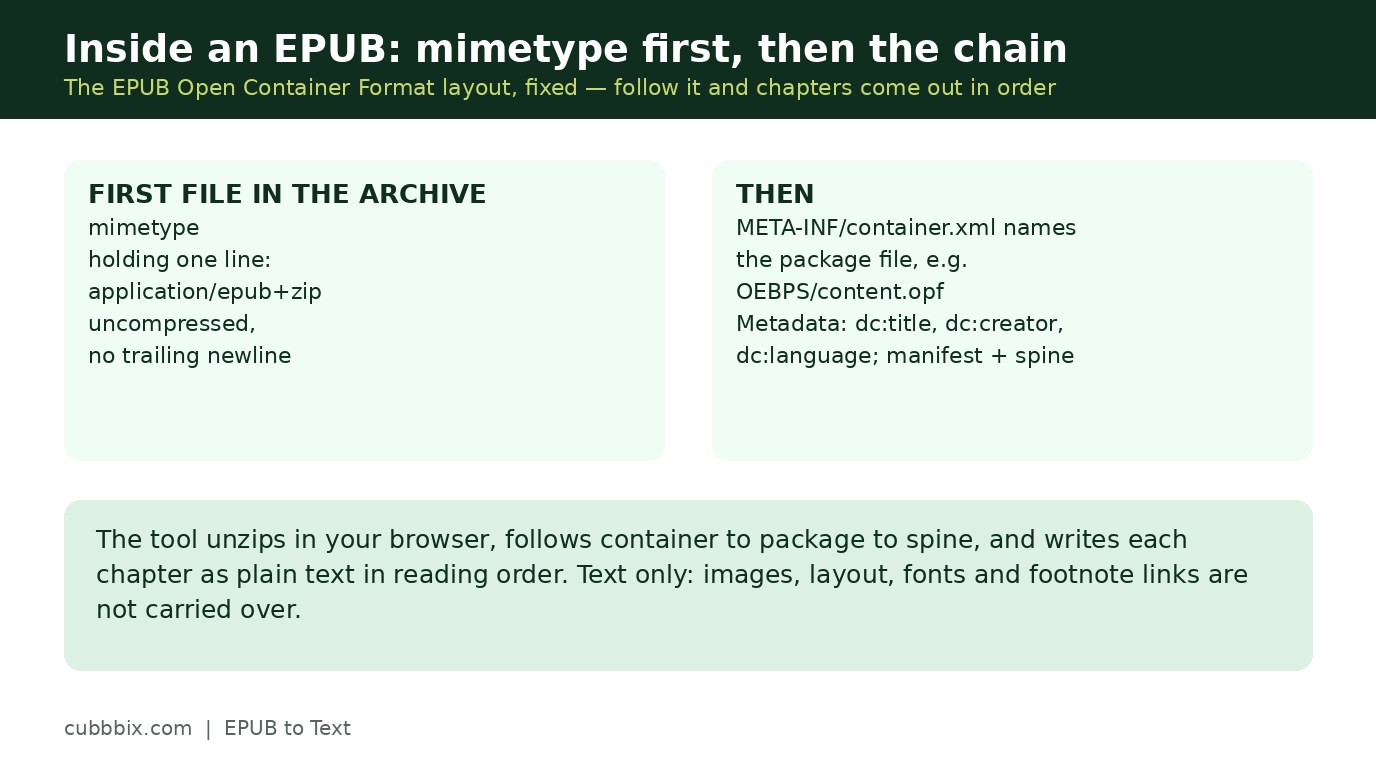
An EPUB is a ZIP archive, and its layout is fixed by the EPUB Open Container Format (OCF). The first file in the archive is mimetype, holding the single line application/epub+zip, uncompressed, with no trailing newline. Next, META-INF/container.xml names the package file through a rootfile element with a full-path attribute, usually something like OEBPS/content.opf or EPUB/package.opf. The package file is the heart of the book: its metadata block holds dc:title, dc:creator and dc:language, its manifest lists every content file with an id and a media type, and its spine lists the manifest ids in reading order through itemref elements. A chapter is normally one XHTML file in the manifest, referenced once in the spine.
Figure 1: Container to package to spine to chapter. The spine is the publisher's own reading order.
Why spine order is trustworthy
The spine is the publisher's own reading order, not a guess from file names, so following it reproduces the book as it was meant to be read. File names in an EPUB can be anything: chapter files are often named by number, but just as often by title slug, by part, or by an exporter's internal id. Sorting by file name would scramble such a book. EPUB 3 books add a navigation document, usually nav.xhtml, which is a nicer table of contents than the EPUB 2 NCX file, but the spine still defines the order, so this tool follows the spine. EPUB 2 books use the same container and package structure with a toc.ncx file instead, and they extract the same way.
Two limits are worth stating. First, this tool extracts text only: images, layout, fonts and footnotes as links are not carried over, and a footnote becomes plain text where its link text sits. Poetry keeps its line breaks only where the file marks them as separate lines. Second, books with scrambled or missing spine entries may come out in manifest order rather than reading order, and the page says when the spine was missing, instead of presenting file order as reading order.
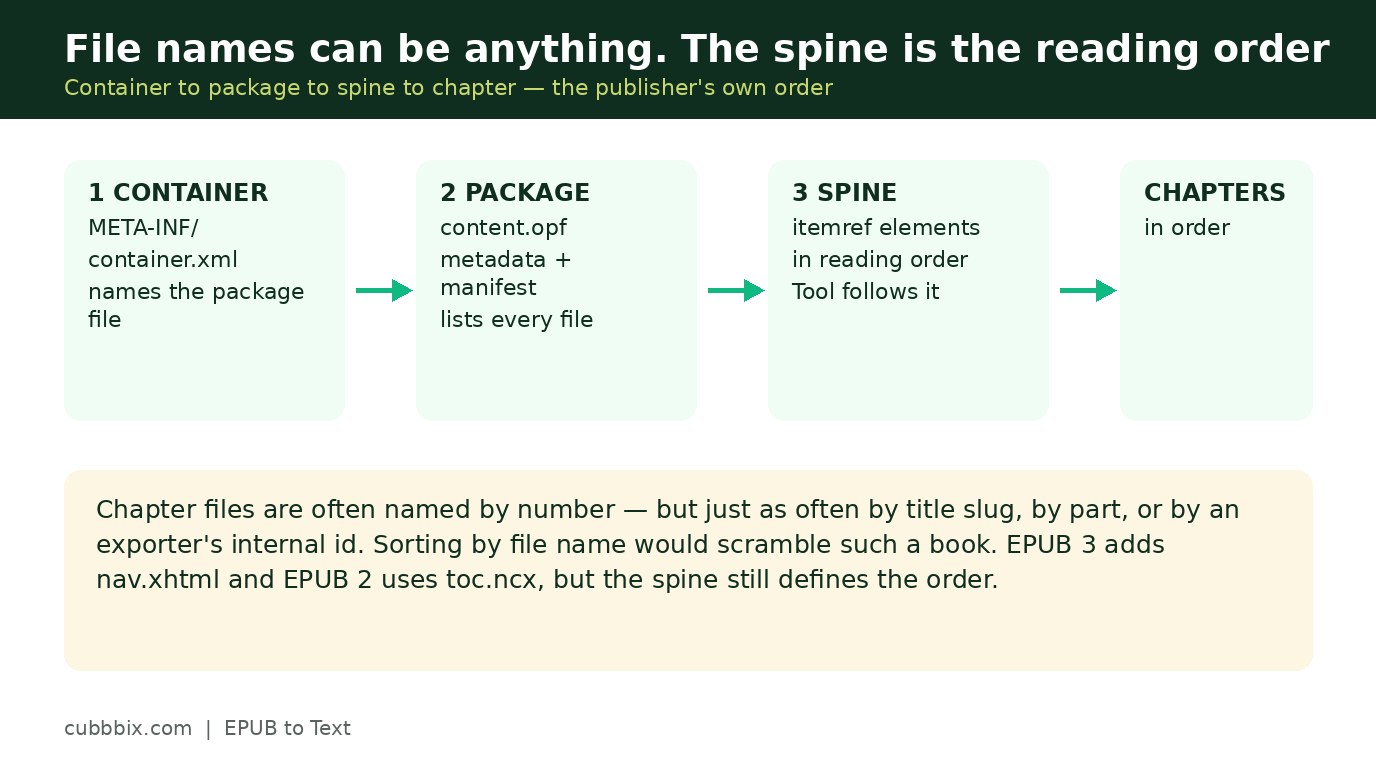
Figure 2: File names can be anything. The spine is the reading order, so the tool follows the spine.
DRM, stated plainly
Some store-bought books are encrypted, and the encryption is declared in META-INF/encryption.xml. No browser tool can read those chapters without the store's key, and this tool does not try: it reports the book as encrypted and stops, instead of returning scrambled text and calling it an extraction. If your book is encrypted, the honest route is the store's own app, or a DRM-free edition from the same publisher where one exists.
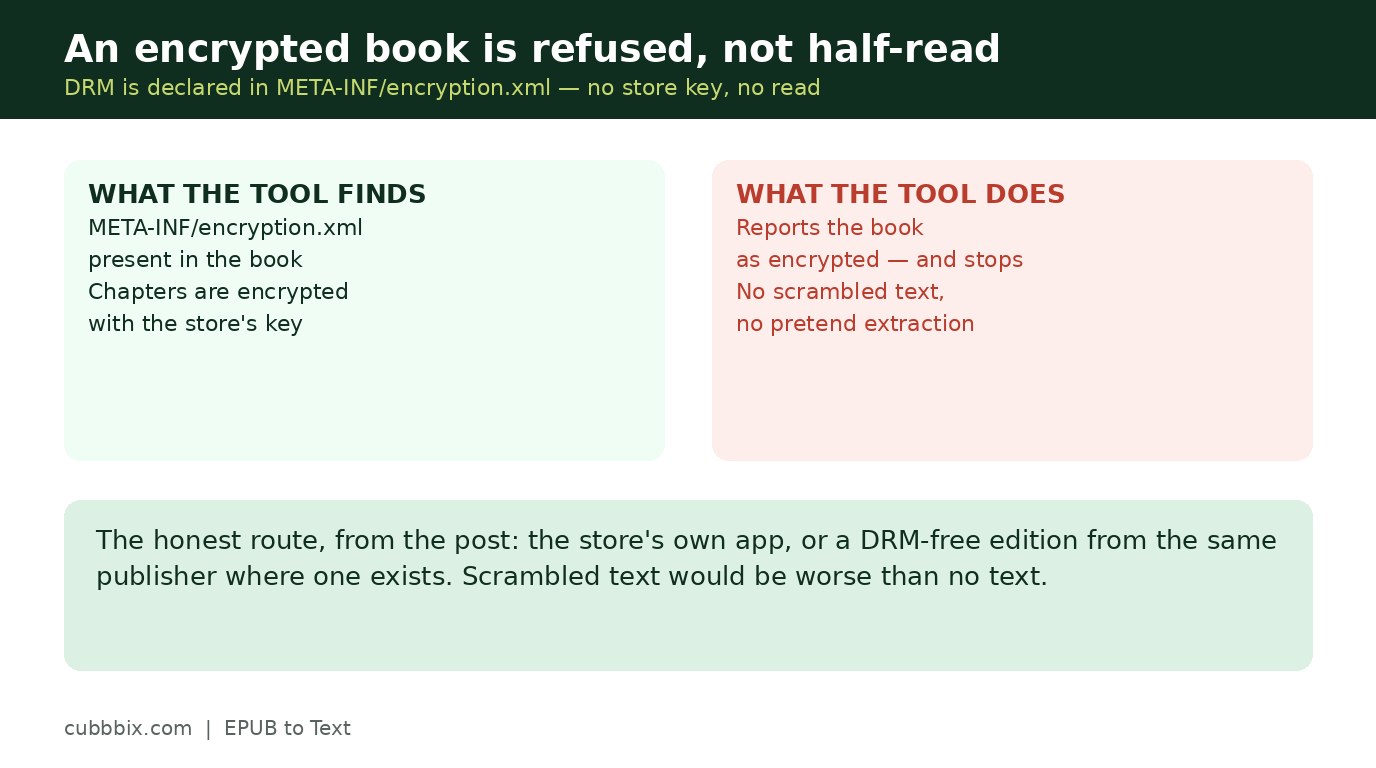
Figure 3: An encrypted book is refused, not half-read. Scrambled text would be worse than no text.
Questions people ask
Can I extract just one chapter?
Yes. After extraction, use the chapter dropdown to show a single chapter, or keep All chapters for the whole book. The download saves whatever the output box currently shows.
Why does it refuse some store-bought books?
Because those books are encrypted with DRM, declared in META-INF/encryption.xml, and no browser tool can read them without the store's key. The tool reports the book as encrypted and stops, rather than returning scrambled text.
Is my ebook uploaded anywhere?
No. The unzipping and the parsing run in your browser. The file never leaves your device.


Was this article helpful?
Comments
Loading comments...