JPEG XL Is Back: Chrome 155 and Firefox 157 Support It Again

TL;DR
Chrome 155 restored JPEG XL in October 2026 and Firefox 157 enabled it by default in September 2026. Specs, the 2022 removal, a size comparison against JPEG, WebP and AVIF, and the jobs .jxl files handle well now.
Table of Contents
JPEG XL in October 2026: the short answer
JPEG XL is the successor the Joint Photographic Experts Group standardized in 2022 to replace the 1992 JPEG format. Google removed it from Chrome the same year, and browser support stalled. Support returned in autumn 2026, and the format is usable on the open web again.
JPEG XL files carry the .jxl extension. One file type covers photos, screenshots, graphics with transparency, HDR images, and short animations. JPEG covers photos only, at 8 bits per channel, with lossy compression as its single mode.
Support decides whether a format is usable. A photographer can build a perfect .jxl archive and still hit software that refuses to open it. Browser support matters for 2 reasons: the browser is where most people meet images, and web tools can now decode and encode .jxl on the reader's own device. Cubbbix published 36 JPEG XL converters and JPEG 2000 tools this month. Every one runs in the browser tab. Files stay on the user's machine.
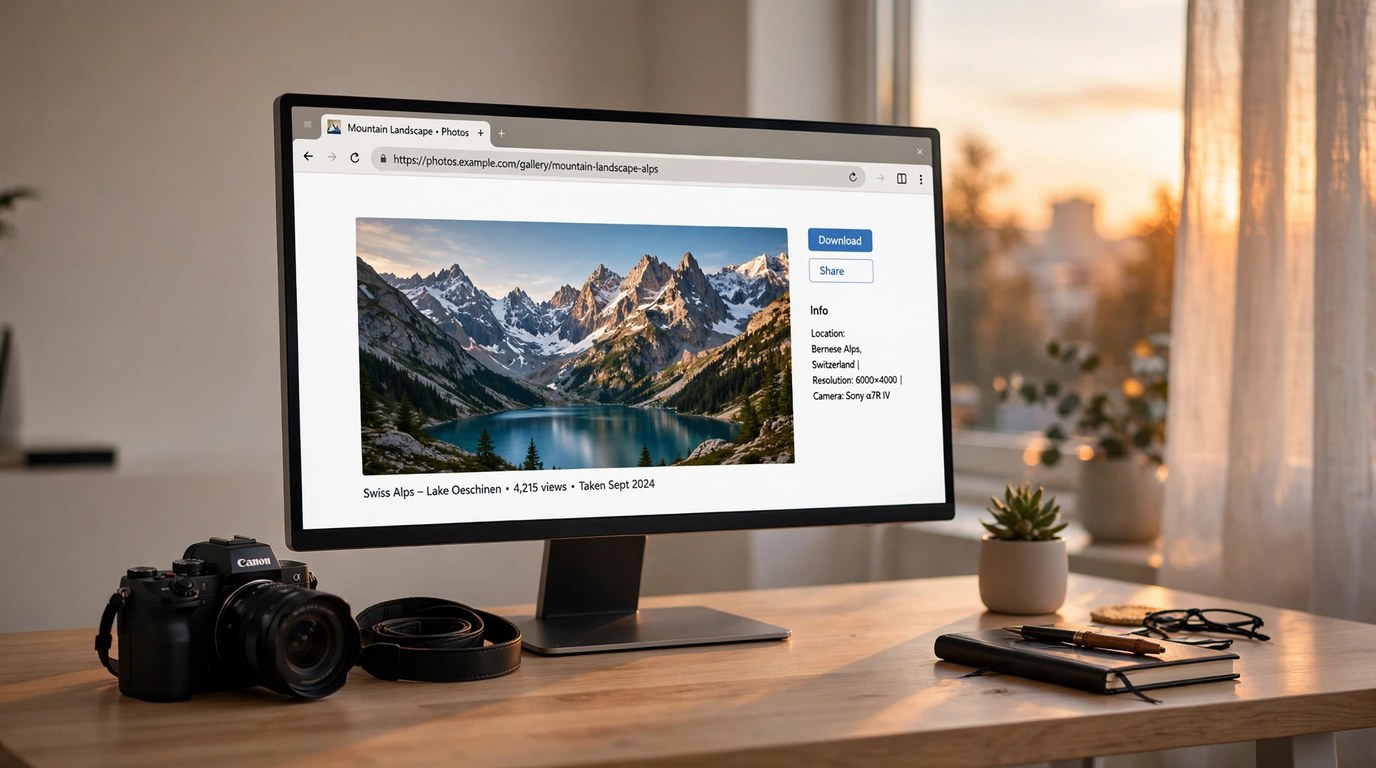
Figure 1: A photo gallery page open in a desktop browser. As of October 2026, .jxl photos render in Chrome, Edge, Firefox, and Safari.
What JPEG XL is
The Joint Photographic Experts Group standardized JPEG XL in 2022 as ISO/IEC 18181. The format merges 2 earlier projects: Google's PIK codec and Cloudinary's FUIF format. The reference encoder, libjxl, is open source. Apple, Adobe, and Samsung engineers took part in the standardization work, and their products shipped support early.
- Color: up to 32 bits per channel, wide color gamut, and HDR data. JPEG stops at 8 bits per channel.
- 2 compression modes: a lossy mode for photos and a modular lossless mode for screenshots, line art, and archival masters.
- JPEG recompression: an existing JPEG file stored about 20% smaller with identical pixels, and the conversion reverses byte for byte.
- Progressive decoding: the image sharpens as data arrives. One file is its own preview and its full-resolution version.
- Transparency and animation: alpha channel support and animated images in the same format.
- Parallel encoding and decoding: the codec uses multiple CPU threads, so phones and laptops process full-screen photos in milliseconds.
Why Chrome removed JPEG XL in 2022
Chrome carried JPEG XL behind an experimental flag from 2021. Google announced the removal in October 2022 and deleted the code in Chrome 110. The stated reasons were low interest from the browser ecosystem and a decision to improve the formats Chrome already shipped.
Image researchers disputed the decision in public. Jon Sneyers, an editor of the JPEG XL standard at Cloudinary, published benchmark data showing JPEG XL ahead of AVIF and WebP on photo quality per byte. The argument changed few minds at the time. Chrome holds roughly two thirds of browser traffic, and few websites will serve a format the majority browser cannot display.
Support kept growing outside Chrome. Apple added JPEG XL decoding to Safari 17 and iOS 17 in 2023. Adobe Camera Raw and Lightroom export .jxl files. Samsung Gallery opens them. GIMP and Affinity Photo ship support in their current versions.
What changed in 2026
Mozilla enabled JPEG XL by default in Firefox 157 in September 2026. One month later, Google restored JPEG XL in Chrome 155. The returning decoder is new code written in Rust. Browser image decoders parse untrusted files all day, so the implementation language is a security property. The Rust rewrite answered the maintenance and safety objections raised against the old C++ decoder.
Edge 155 includes the same decoding through Chromium. All 4 major browsers now open .jxl files. Your own browser takes about 5 seconds to check with the JPEG XL browser support checker: it loads real .jxl and .jp2 test images and reports what decoded.
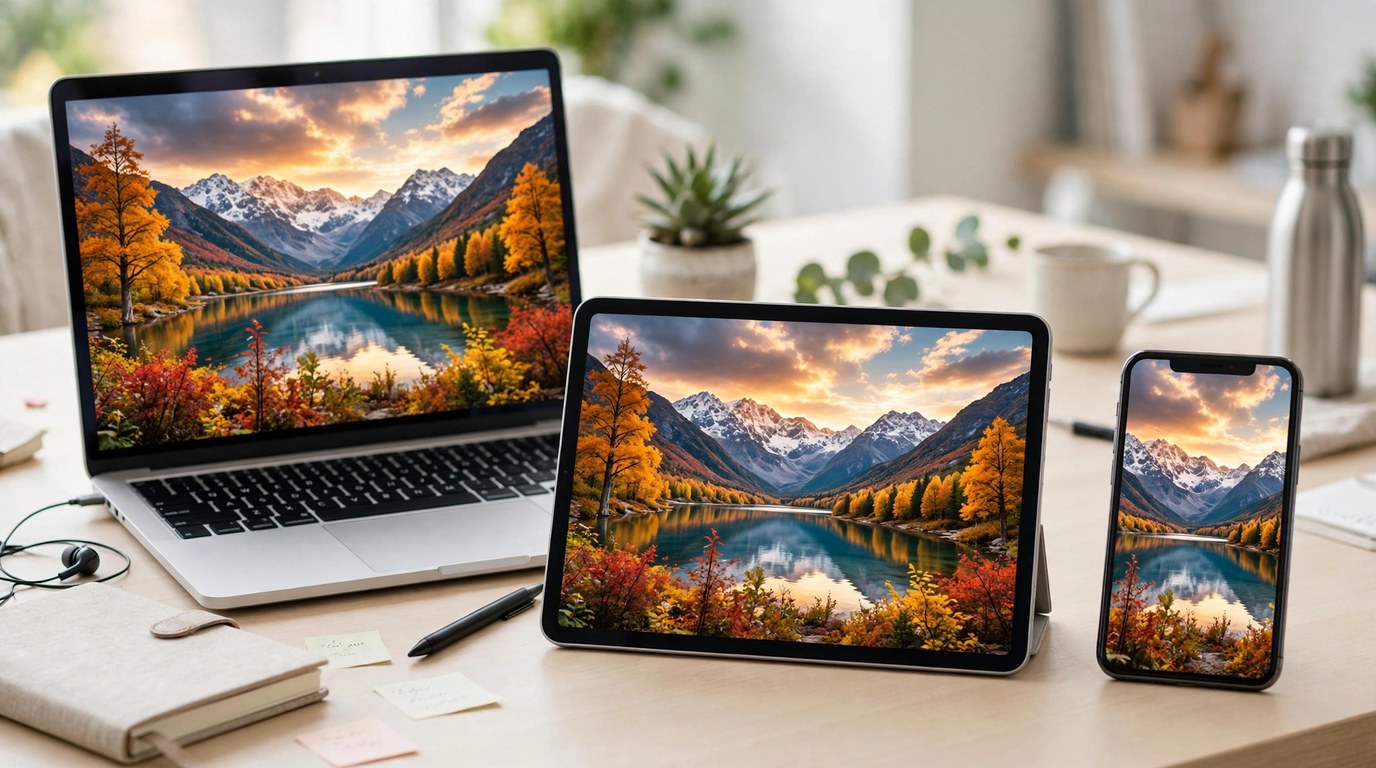
Figure 2: One photo rendered across a laptop, a tablet, and a phone. Current versions of all 4 major browsers decode .jxl images.
JPEG XL vs JPEG, WebP, and AVIF
The table below compares the 4 formats a website or a photo archive is likely to use in 2026. Size figures are typical results on photographic content at matched visual quality.
| Format | Photo size at matched quality | Lossless mode | Transparency | HDR and wide gamut | Browser support, October 2026 |
|---|---|---|---|---|---|
| JPEG (1992) | 100% (baseline) | No | No | No | All browsers |
| WebP (2010) | About 65% | Yes | Yes | Limited | All browsers |
| AVIF (2019) | About 55% | Yes | Yes | Yes | All browsers |
| JPEG XL (2022) | About 40% | Yes | Yes | Yes | Chrome, Edge, Firefox, Safari |
Individual photos vary around these figures. The image format comparison tool encodes your own photo into 6 formats and prints the real byte counts for each one.
3 jobs JPEG XL handles well
Shrink a photo archive with zero quality loss
A 100 GB archive of JPEG photos recompresses to about 80 GB as .jxl, with identical pixels in every file. The conversion reverses byte for byte, so the archive keeps an exact path back to the original JPEGs. Convert single photos with JPG to JXL or run a folder of images through the JXL compressor.
Cut image weight on web pages
A product page carrying 2 MB of JPEG photos carries about 800 KB as JPEG XL at matched quality. Serve .jxl inside a picture element with a WebP or JPEG fallback for the remaining older browsers, and current browsers take the smaller file automatically.
Open .jxl files that other software refuses
New cameras, screenshot tools, and photo apps have started emitting .jxl files, and older software still refuses them. Convert a file to a universal format with JXL to JPG or JXL to PNG, or view it directly in the JXL viewer. All 3 tools run in the browser tab.
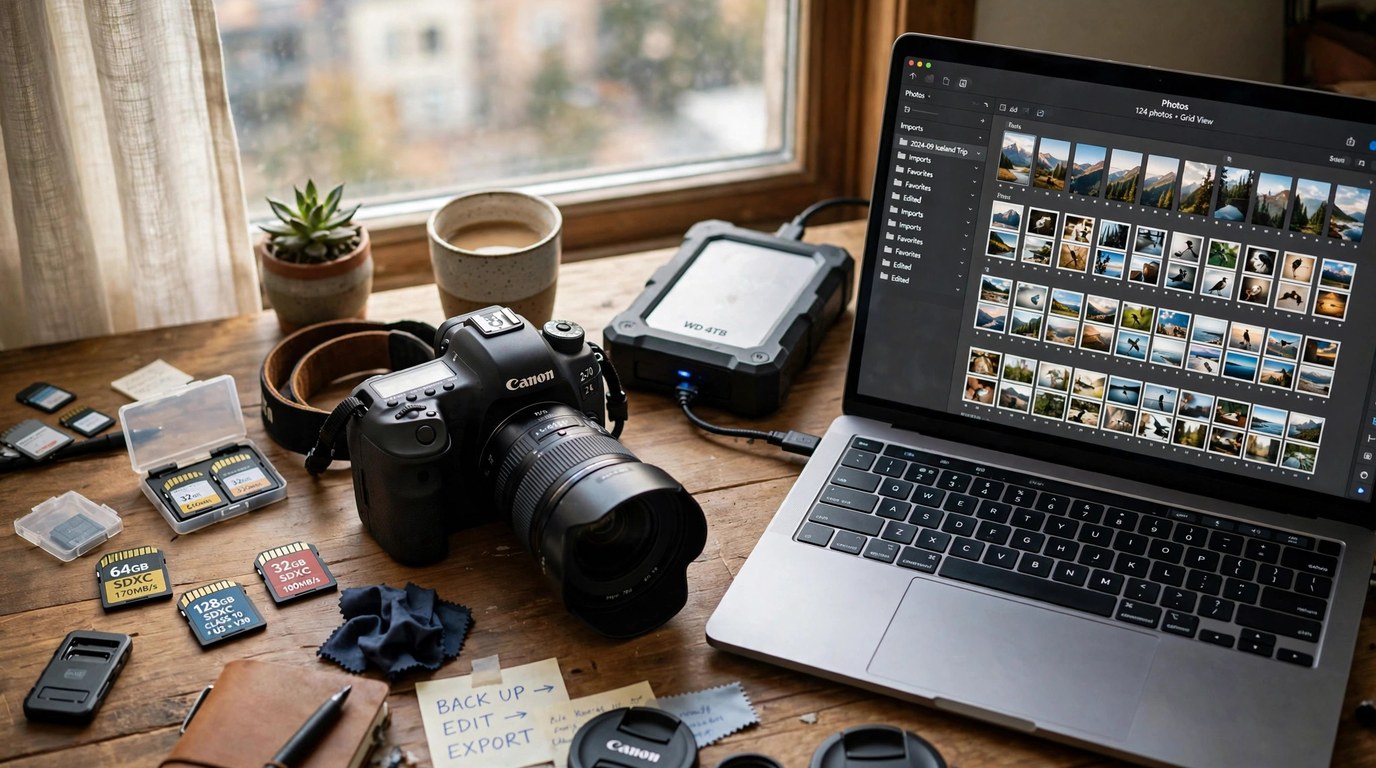
Figure 3: A working photo archive: camera cards, a backup drive, and a laptop library. Lossless JPEG recompression cuts an archive of this kind by about a fifth.
Measured constraints
Browser support arrived in 2026. Support in the rest of the software on a typical computer is still partial, and the gaps below decide where .jxl belongs today.
- Many social platforms convert uploads to JPEG or WebP and discard the .jxl original. Post a JPEG copy and keep the .jxl as your master file.
- Some desktop apps and file managers still show a generic icon for .jxl files instead of a thumbnail preview.
- Print shops and office suites mostly accept JPG, PNG, and TIFF. Send one of those formats for print work.
- Email attachments reach people on old software. Attach a JPG copy when the recipient's setup is unknown.
JPEG 2000 (.jp2): the older successor that stayed in archives
JPEG 2000 arrived in 2000 with wavelet compression, lossless mode, and resolution scaling that JPEG lacks. Web browsers skipped it, so the consumer web never adopted it. Institutions adopted it instead. National libraries scan collections to .jp2, hospitals store medical images in it, digital cinema projectors play a JPEG 2000 variant, and satellite imagery ships as .jp2.
Safari displayed .jp2 images for years, which is one reason the files keep surfacing on Mac and iPhone users' machines. A .jp2 file from an archive or a scanner opens in the JP2 viewer, converts to a common format with JP2 to JPG, and moves forward to the newer format with JP2 to JXL.
Frequently Asked Questions
Is JPEG XL better than AVIF?
For photos at medium and high quality settings, JPEG XL usually produces smaller files and decodes faster. AVIF compresses small thumbnails harder at very low bitrates. For archives and originals, JPEG XL has the stronger specification: higher bit depth, faster decoding, and lossless JPEG recompression.
Can I convert a JPEG to JXL without losing quality?
Yes. JPEG XL recompresses a JPEG file losslessly, at about 20% smaller, and software can rebuild the original JPEG byte for byte. Try it with the JPG to JXL converter.
Which browsers support JPEG XL in October 2026?
Chrome 155 and later, Edge 155 and later, Firefox 157 and later, and Safari 17 and later all decode JPEG XL images. The support checker tests your exact browser version with real image files.
Why did Google remove JPEG XL from Chrome in 2022?
Google announced the removal in October 2022, citing low interest from the browser ecosystem and a preference for improving existing formats. The 2026 return uses a new decoder written in Rust.
Do the Cubbbix converters upload my files?
No. Conversion runs in your browser tab, using code loaded from this site and your own device's processor. Your files stay on your machine, and closing the tab ends the session.
Convert one photo and compare the byte counts. The image format comparison tool places JPEG XL next to 5 other formats on your own image, which settles the format question faster than any spec sheet.


Was this article helpful?
Comments
Loading comments...