How to measure room noise with a browser decibel meter, and how to calibrate it

TL;DR
A live decibel meter using your device microphone, with an editable calibration offset and reference sound levels. Audio never leaves your device.
Table of Contents
Measure room noise in 30 seconds
How loud is this room, really? The free Cubbbix Sound Level Meter answers with a live reading from your device microphone: the current level, the peak since you started, and the minimum, with a plain-language label for what the number means. Audio is analysed in your browser and discarded. Nothing is recorded, stored or sent anywhere, and stopping the meter releases the microphone.
One honesty note comes before any number on the page. Browsers do not hand a web page a calibrated sound-pressure reading. They report how loud the signal is relative to the microphone's own full scale, written dBFS, where 0 is the loudest the microphone can report and everything else is negative. This page converts that raw figure to an estimated dB SPL figure with an editable calibration offset, and the offset is a guess until you calibrate it. Do not use the page for workplace compliance, legal evidence or hearing-safety decisions.
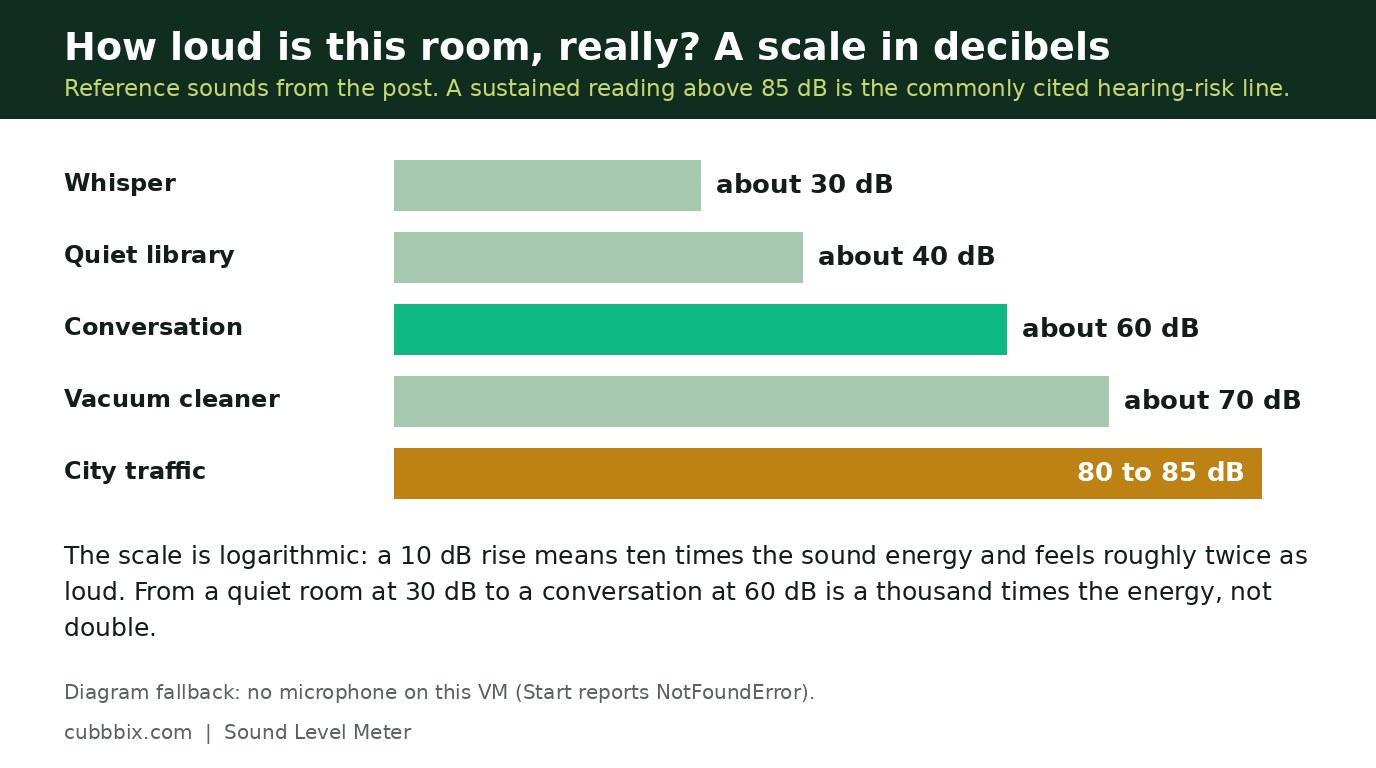
Figure 1: A live level, a peak and a minimum, from your microphone. The figure is an estimate until calibrated.
How to calibrate it
Put the device where you will measure, hold a normal conversation at arm's length, and adjust the offset until the meter reads about 60 dB. That works because a normal conversation sits around 60 dB, a whisper around 30 dB, a quiet library around 40 dB, a vacuum cleaner around 70 dB, and city traffic around 80 to 85 dB. Calibrate in the room you will measure in, at the distance you will measure from, and re-check whenever you switch devices, because microphone sensitivity differs by device and the same room reads differently on a phone and a laptop.
The decibel scale itself is worth a minute, because it explains why small number changes matter. It is logarithmic: a 10 dB rise means ten times the sound energy, and it feels roughly twice as loud. The gap between a quiet room at 30 dB and a conversation at 60 dB is not double the sound, it is a thousand times the energy. That is also why a sustained reading above 85 dB is the commonly cited hearing-risk line on a calibrated meter: the energy adds up fast past that point.
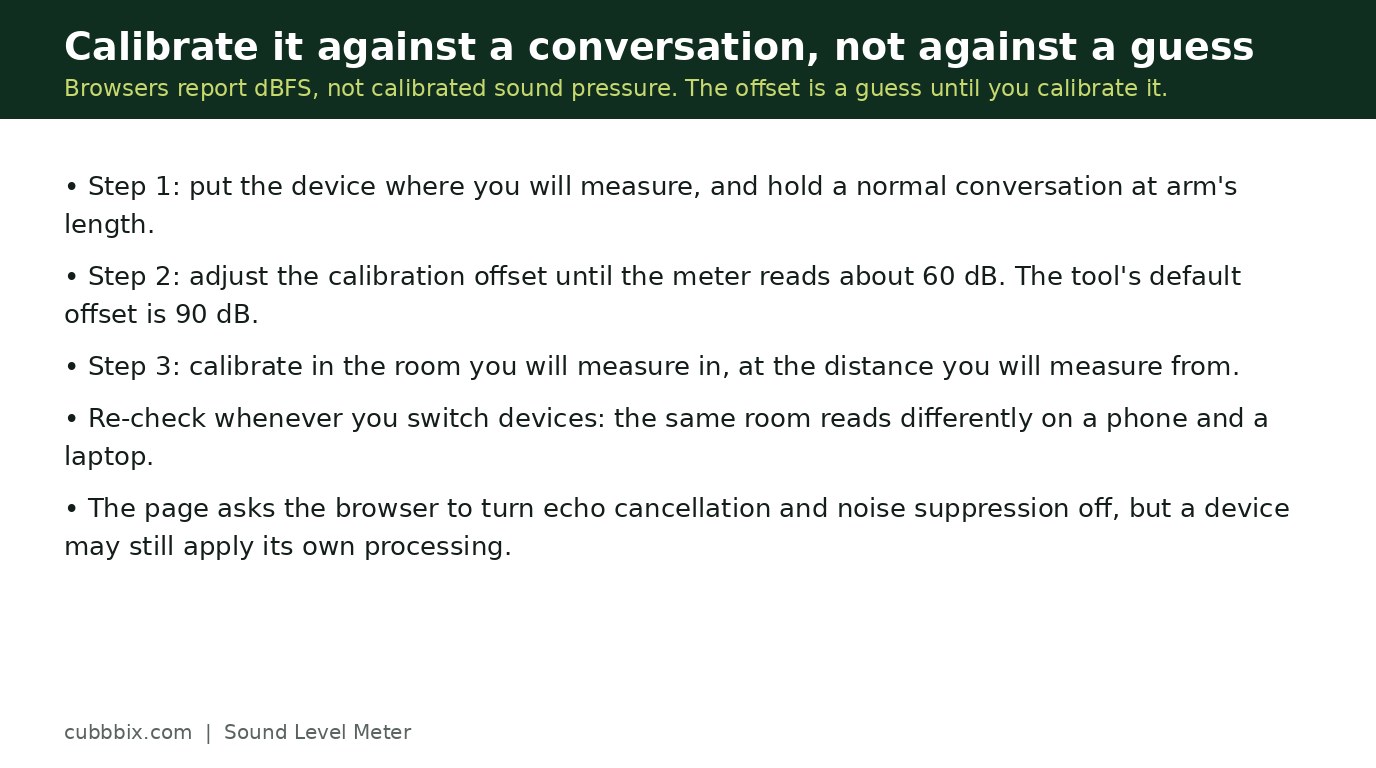
Figure 2: A conversation at arm's length should read about 60. Set the offset until it does.
Why readings differ between devices
Browsers add echo cancellation and noise suppression to microphone input by default, and this page asks for them to be turned off, but a browser or device may still apply its own processing. That processing can squash loud peaks and lift quiet rooms, which is another reason the figure is an estimate. If your device reports silence in a noisy room, check its microphone permission, close other apps using the microphone, and try again. If the reading still looks wrong, trust a real meter over this page: that is what the page is for, a quick check, not a verdict.
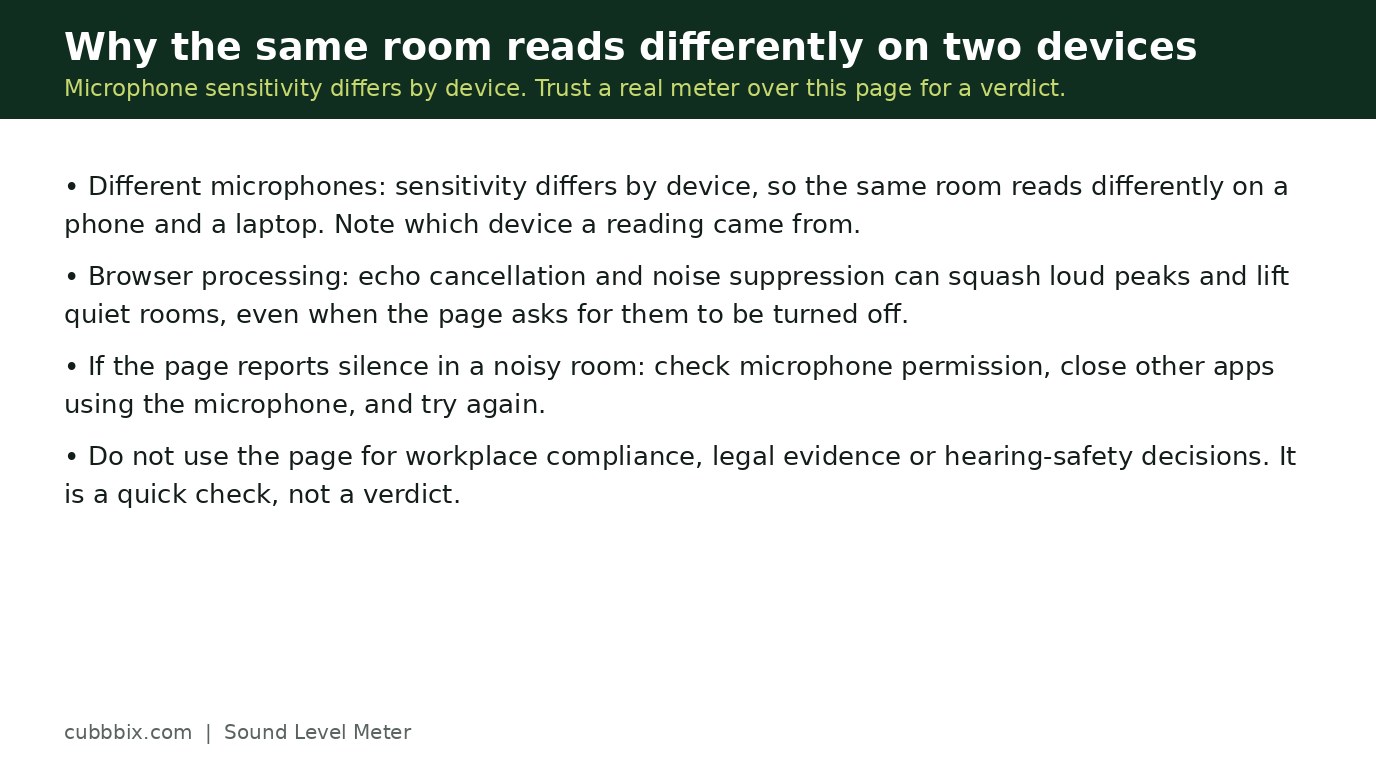
Figure 3: Microphone sensitivity differs by device. Calibrate each device separately.
Questions people ask
Is this a real decibel meter?
It is an estimate. Browsers report microphone level relative to full scale, not calibrated sound pressure. The page converts with an editable offset, which is a guess until you calibrate it against a known sound or a real meter.
Why does the same room read differently on my phone and laptop?
Microphone sensitivity differs by device, and browsers apply their own gain and noise processing. Calibrate each device separately and note which device a reading came from.
Is my audio recorded or sent anywhere?
No. The microphone signal is analysed in your browser and discarded. Nothing is recorded, stored or uploaded.


Was this article helpful?
Comments
Loading comments...