Contacts to spreadsheet: convert a VCF contact export to CSV

TL;DR
Turn a .vcf contact export into a clean, searchable CSV: one row per contact, names, phones, emails, organisations and addresses, in your browser.
Table of Contents
Contacts to spreadsheet in 30 seconds
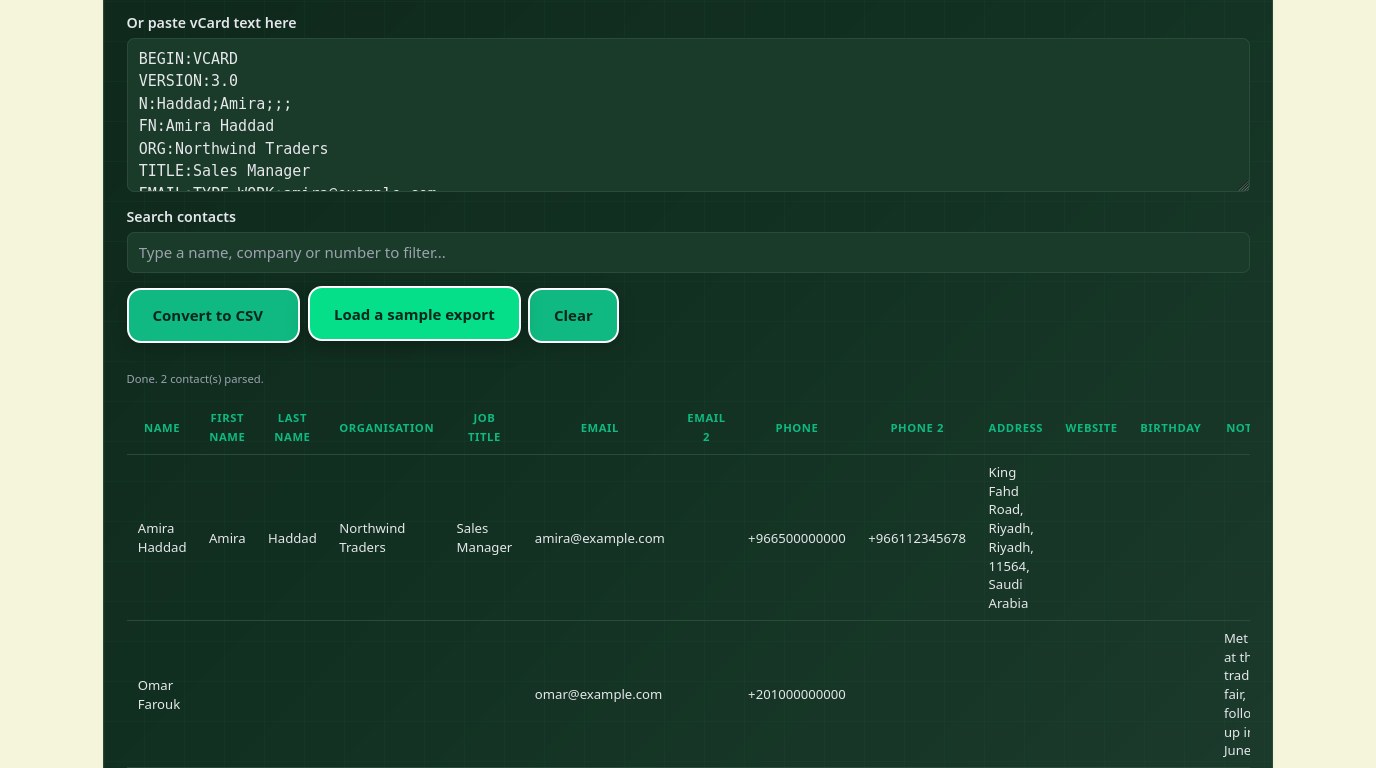
You exported your contacts and got a .vcf file, and now you need a spreadsheet you can sort, filter and clean. The free Cubbbix Contacts to Spreadsheet tool takes that file, or pasted vCard text, and writes one row per contact: name, first and last name, organisation, job title, two emails, two phones, address, website, birthday and note. Nothing is uploaded, which matters when the export is a list of real people and their numbers.
A .vcf file is plain text in the vCard format: vCard 4.0 is RFC 6350, and the widely used 3.0 is RFC 2426. Each contact is one block, opening with BEGIN:VCARD, then a VERSION line, then one property per line, then END:VCARD. A property line is a name, optional parameters after semicolons, a colon, and a value: TEL;TYPE=CELL:+966500000000, for example. The formatted name is FN, the structured name is N in the order family;given;additional;prefix;suffix, so N:Haddad;Amira;;; gives FN Amira Haddad. Under RFC 6350, the only required properties are BEGIN, VERSION, FN and END: everything else is optional.
Figure 1: One BEGIN:VCARD block per contact, one property per line, FN for the display name.
The two traps naive converters miss
First, line folding: a long property line may be split across physical lines, with each continuation line starting with a single space or tab, and the reader must join them before parsing, or a long note arrives chopped in half. Second, escaping: commas, semicolons and line breaks inside a value are written as backslash-comma, backslash-semicolon and backslash-n, and the reader must unescape them, or a note that mentions a comma splits the CSV. This tool handles both before it builds a row. The CSV output follows RFC 4180, so a field with a comma, quote or line break is wrapped in double quotes with inner quotes doubled.
A flat spreadsheet has one column per field, and a contact can carry several phones and emails, so the tool keeps the first two of each and joins any extras into the note column, labelled, rather than losing them silently. Addresses are joined into one readable line, street, city, region, postcode, country, which loses the separate fields: keep the original .vcf if you need them apart. Photos are skipped, not converted, because a base64 blob in a spreadsheet column adds bulk without usable data.
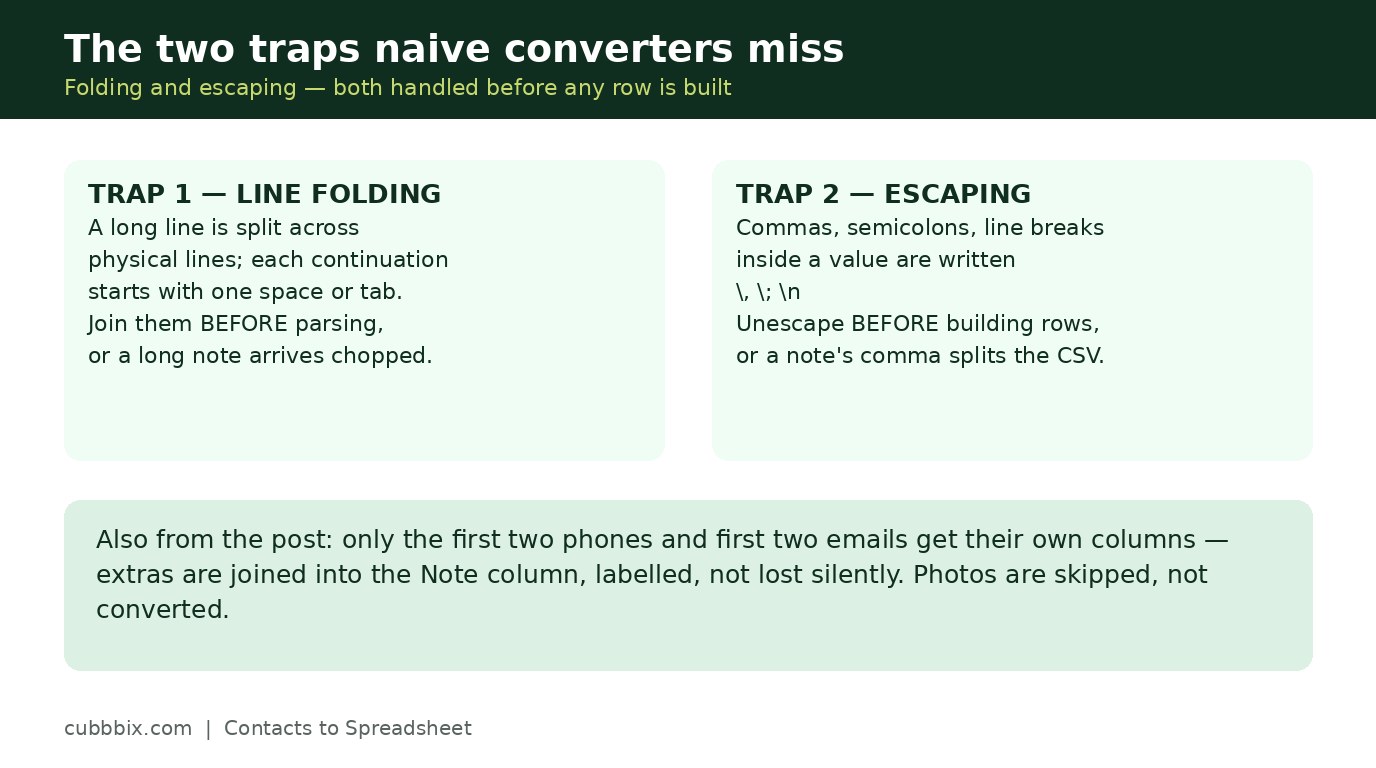
Figure 2: Folded lines must be joined first, and escaped commas must be unescaped, or the CSV breaks.
Where .vcf exports come from
Google Contacts, iCloud, Outlook and most Android phones export contacts as .vcf, usually one file holding every contact, with many blocks one after another and no separator between them. That is the file this tool expects. If your export is one file per contact, convert them one at a time, or paste the blocks together into the text box on the tool page. A vCard with no FN and no N is still listed with an empty name, rather than silently dropped, so the row count matches the contact count.
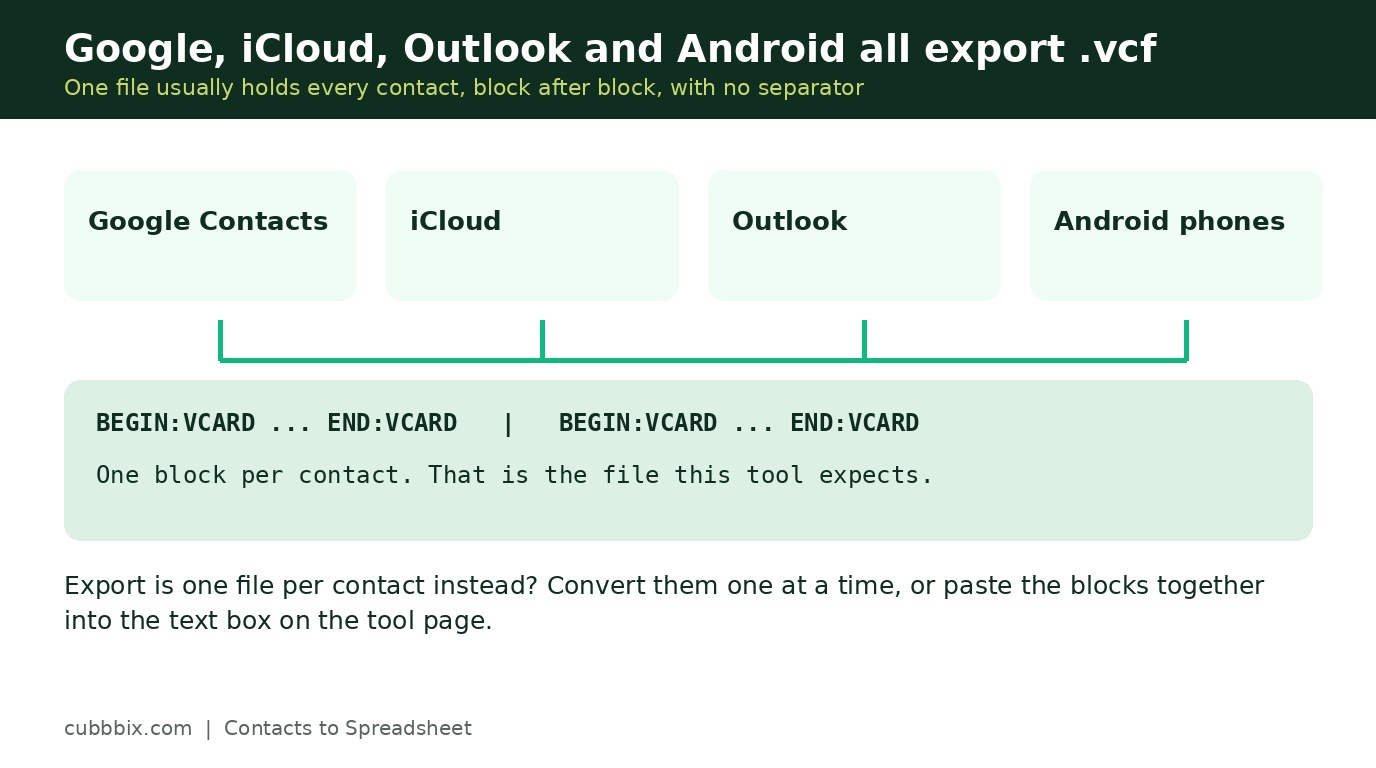
Figure 3: Google, iCloud, Outlook and Android all export .vcf. One file usually holds every contact.
Questions people ask
What columns does the CSV have?
Name, First name, Last name, Organisation, Job title, Email, Email 2, Phone, Phone 2, Address, Website, Birthday and Note. Extra phones and emails beyond two are kept in the note column, labelled.
What is the difference between FN and N?
FN is the formatted name as it should display, such as Amira Haddad. N is the structured name in the order family;given;additional;prefix;suffix. When FN is missing, this tool rebuilds the name from N.
Is my contacts file uploaded anywhere?
No. The parsing runs in your browser. The file never leaves your device.


Was this article helpful?
Comments
Loading comments...