What is llms.txt? The file that gives AI tools a clean copy of your site


TL;DR
llms.txt is a Markdown file at the root of a website that gives AI tools a clean list of the pages that matter. Jeremy Howard proposed it in September 2024, coding tools read it today, and Google has said Search does not use it. The format, the fetch data, and how to publish yours.
Table of Contents
llms.txt in 30 seconds
Publish one if your readers use AI tools to work with your site or your documentation. The file takes under an hour to write, costs nothing to host, and gives those tools a clean list of your key pages. Expect help for AI tool users. Expect nothing from Google.
An AI assistant reading your website today gets the same pages a browser gets: navigation menus, cookie notices, footers and sidebars mixed in with your content. Long pages cost the model tokens, and the section that answers the question can sit 4,000 words below the header. llms.txt is a short Markdown file that hands the model your site in a clean order: the site name, a brief summary, then links to the pages that matter, grouped under headings.
Jeremy Howard published the proposal on September 3, 2024, and the full specification lives at llmstxt.org. Adoption moved fast among developer-facing companies. By July 2025, more than 600 sites had a file in place, including Anthropic, Stripe, Cloudflare, Perplexity, Cursor, Zapier, Hugging Face, ElevenLabs and Yoast.
Figure 1: A website and its plain text reading list, side by side on one screen.
What goes inside an llms.txt file
The spec asks for Markdown, served as plain text, at the root of the domain: yoursite.com/llms.txt. The filename is lowercase, with no capitals and no subfolder. One element is required, an H1 heading holding the name of the site or project. Every other element is optional, and short files are fine. A small site can publish a useful file with 15 links.
A complete example, using this site:
# Cubbbix

> 500+ free online tools: calculators, converters, PDF, image, text and developer tools that run in the browser.

## Calculators
- [Mortgage Calculator](https://cubbbix.com/mortgage-calculator/): Monthly payments with taxes and insurance
- [Word Counter](https://cubbbix.com/word-counter/): Words, characters and reading time

## Optional
- [Blog](https://cubbbix.com/blog/): Guides and product news
A blockquote under the H1 gives a summary of one or two sentences. H2 headings split the links into sections such as Docs, Pricing and Support. Each link follows the pattern [Title](URL), and a colon plus a short note after the link tells the model what the page holds. A section titled Optional carries a defined job in the spec: a tool working with a tight context window can skip those links and still use the file correctly, so secondary pages belong there.
llms-full.txt: the same file with the pages included
llms-full.txt sits at the same root path and follows the same structure, with one change: below the links, the file carries the full text of the linked pages in Markdown. A coding tool pointed at a software library can load llms-full.txt once and answer questions from the complete documentation, with no crawling step in between. Size sets the limit. Full text for a large documentation set runs to megabytes, so llms-full.txt fits products with written documentation. A broad site with hundreds of pages usually publishes llms.txt and lets the tool fetch pages one at a time.
Who reads the file today
Coding assistants read it on request. Cursor, Continue and Aider load llms.txt or llms-full.txt when a developer adds a documentation source, and the model answers from that text during the session. Documentation platforms read the pattern too: Mintlify generates both files automatically for the documentation sites it hosts, and Yoast added llms.txt generation to its WordPress SEO plugin, which put the file on a large number of WordPress sites in one release.
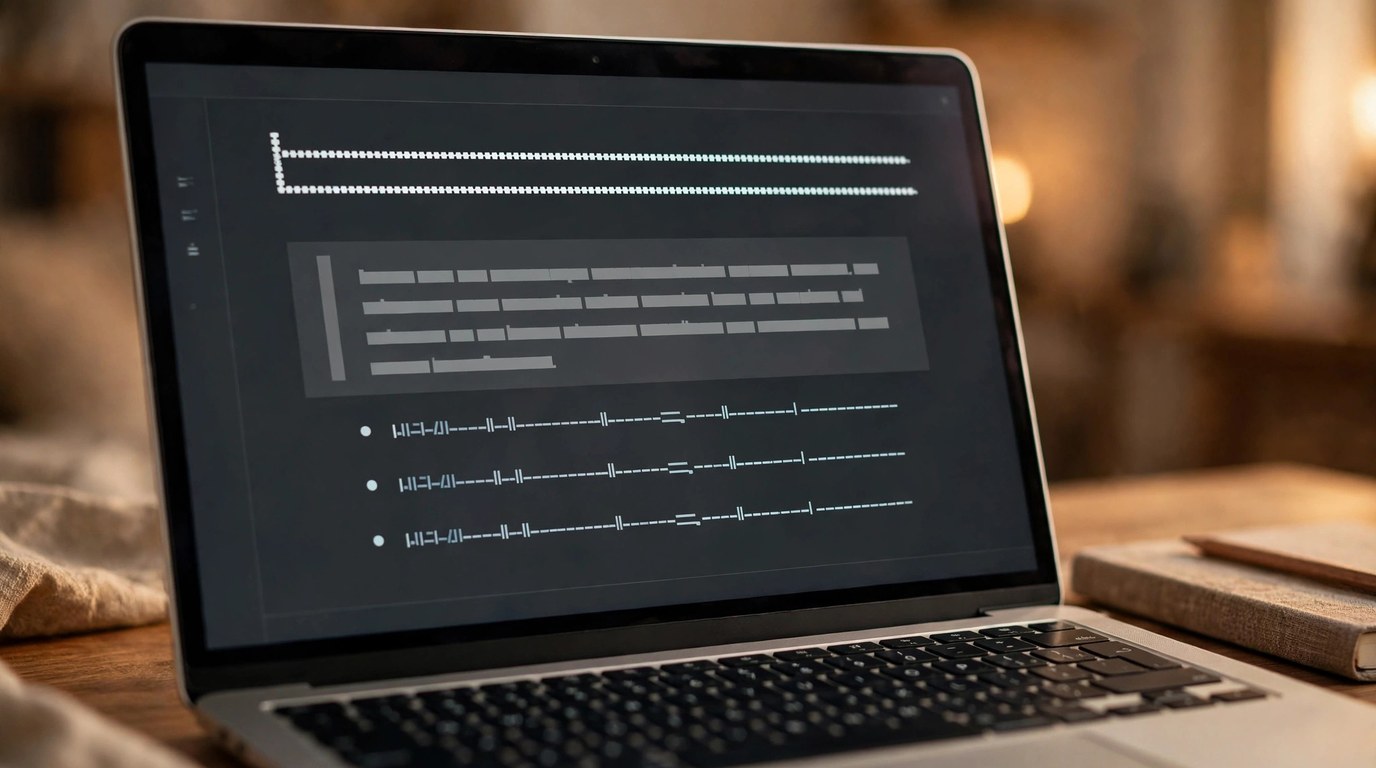
Figure 2: The file structure up close: H1 name, blockquote summary, then link sections.
Fetch data gives the cooler half of the picture. Ahrefs examined 137,000 domains in a 2025 study and reported that 97% of the llms.txt files it found had received zero fetches from any bot in the study window. Chatbots fetch pages when a person asks about a product; few of them crawl llms.txt files on their own schedule. The file earns its keep at the moment a person or a tool goes looking for it.
What Google says about llms.txt
Google has answered this question directly and repeatedly. John Mueller and Gary Illyes have both stated that Google Search does not use llms.txt, and Google's guide to generative AI search features says the same in writing: no special file changes how a page ranks or appears in AI Overviews. Google's crawlers fetch robots.txt, your sitemap and your HTML pages. Those three decide what Google can see and cite.
So the publishing order matters. A current sitemap, a robots.txt that lets crawlers in, and pages that answer questions in plain HTML come first, because they carry your search traffic today. The llms.txt file goes on top of that base, aimed at the AI tools your readers open beside the browser.

Figure 3: AI assistants read the file when a user brings them to your documentation.
Publish your file in four steps
- Pick the pages an AI tool should read first. Product pages, pricing, documentation and support. 10 to 30 links cover most sites.
- Write the file in Markdown. H1 with the site name, a blockquote summary, H2 sections, one link per line with a short note after each link.
- Place it at the root and serve it as plain text. yoursite.com/llms.txt with content type text/plain. A file inside a subfolder misses the location the spec fixes.
- Check the file before you share it. Run it through a validator and fix every error it reports, then recheck after any big site change.
Cubbbix runs a free llms.txt validator that checks a live URL or pasted text against the spec, and an AI agent readiness checker that scores the wider set of files and signals an agent meets on your site, scored out of 100.
Questions people ask about llms.txt
Is llms.txt an official standard?
No standards body owns it. Jeremy Howard maintains the proposal at llmstxt.org, and sites adopt it by choice. The W3C and the IETF publish no llms.txt specification.
Does llms.txt improve Google rankings?
Google says no. The company has stated that Search rankings and AI Overviews do not use the file. Sites publish it for the AI coding tools, documentation assistants and agents that read it directly.
How does llms.txt differ from robots.txt?
robots.txt gives crawlers rules about which URLs they may fetch. llms.txt gives AI tools a reading list of your key pages in clean Markdown. One file controls access, the other supplies content, and the two sit side by side at the root of the domain.
How long should the file be?
Long enough to cover the pages that matter, short enough for a model to hold in one pass. Most published files run from 20 to 200 links. The Optional section holds the links a tool can skip when context space runs short.
The case for the file fits in one line: an hour of writing buys a permanent, clean reading list for the AI tools your readers already use, with no ranking promise attached. Write yours, run it through the validator, and keep it current as your pages change.


Was this article helpful?
Comments
Loading comments...