PowerPoint to text: extract slide text and notes from a PPTX file

TL;DR
Extract slides, order and presenter notes from a .pptx file: unzip in your browser, read the slide XML, and download plain text. Nothing is uploaded.
Table of Contents
PowerPoint to text in 30 seconds
You have a deck and you need its words: for a transcript, a handout, a search index, or a plain text archive. The free Cubbbix PowerPoint to Text tool takes a .pptx file, unzips it in your browser, reads the text in each slide file in order, adds the presenter notes underneath when the file has them, and gives you plain text to copy or download. Nothing is uploaded, which matters when the deck holds unreleased plans or client work.
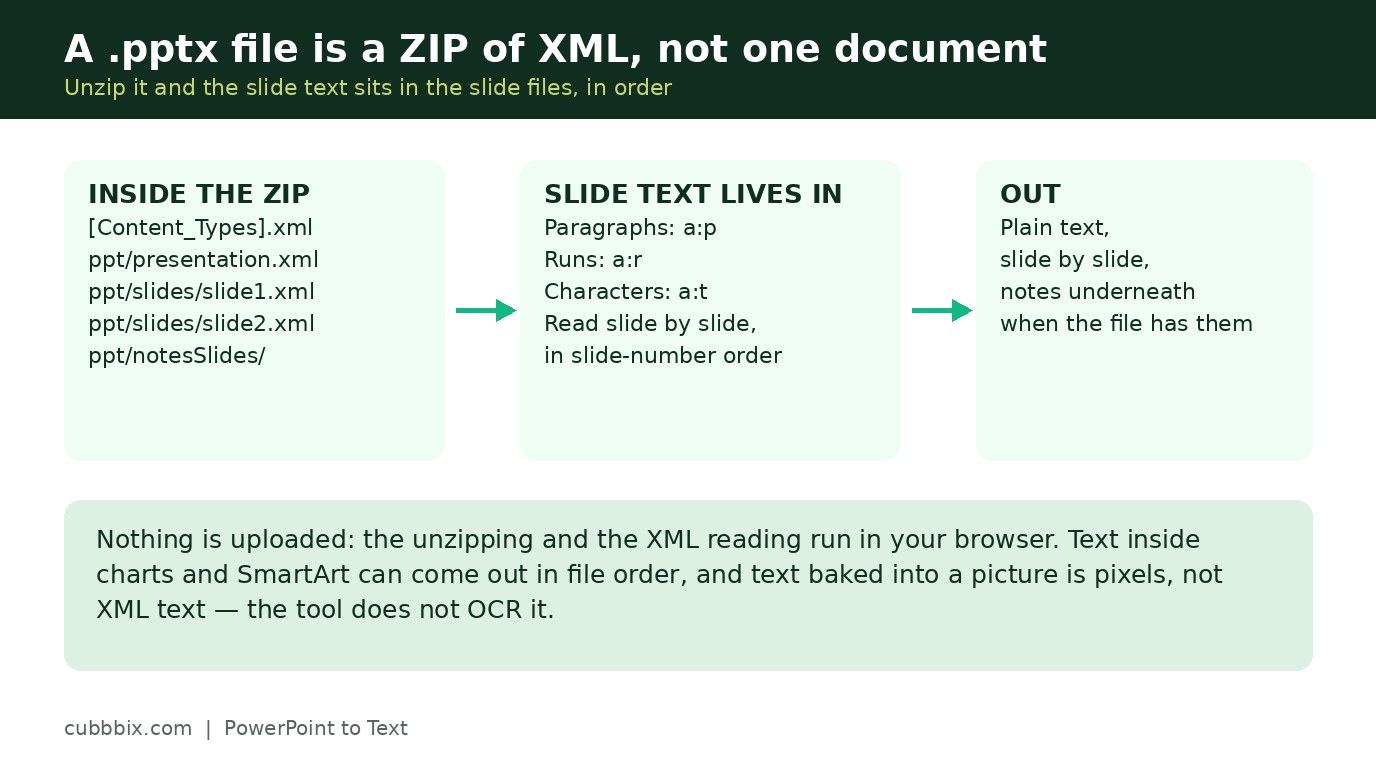
A .pptx file is not one opaque document. It is a ZIP archive of XML parts, following Office Open XML (ECMA-376, standardised as ISO/IEC 29500). Unzip a copy and you see the structure: a [Content_Types].xml manifest at the root, ppt/presentation.xml describing the deck, one ppt/slides/slideN.xml file per slide, ppt/slideLayouts/ and ppt/slideMasters/ for the design, ppt/theme/ for colours and fonts, and ppt/media/ for embedded pictures. Slide text lives in the slide XML as drawing text: each paragraph is an a:p element, each run inside it is an a:r element, and the characters sit in a:t elements. Presenter notes live separately, in ppt/notesSlides/notesSlideN.xml, linked from the slide through a relationship file.
Figure 1: A .pptx file is a ZIP of XML. Slide text sits in a:t elements inside a:p paragraphs.
Slide order, and how notes are matched
PowerPoint writes slides as slide1.xml, slide2.xml and so on in presentation order, and the presentation part lists them in the same order, so sorting by slide number reproduces the order you see in the slide sorter. Notes are matched properly, not guessed: each slide has a relationship file in ppt/slides/_rels/ that names its notes slide, and the tool follows that link. When a deck has notes files but no relationship entries, the notes are listed after all slides with a note saying the match could not be verified, instead of being attached to the wrong slide.
Two limits are worth stating before you rely on the output. First, text inside charts and SmartArt diagrams can come out in file order rather than visual order, because slide XML stores shapes in document order, not in the order your eye reads them. The words are all there, but the reading order is the file order. Second, text baked into a picture is pixels, not XML text, and reading it would need OCR, which this tool does not do. If a slide is one big image, its words will not appear.
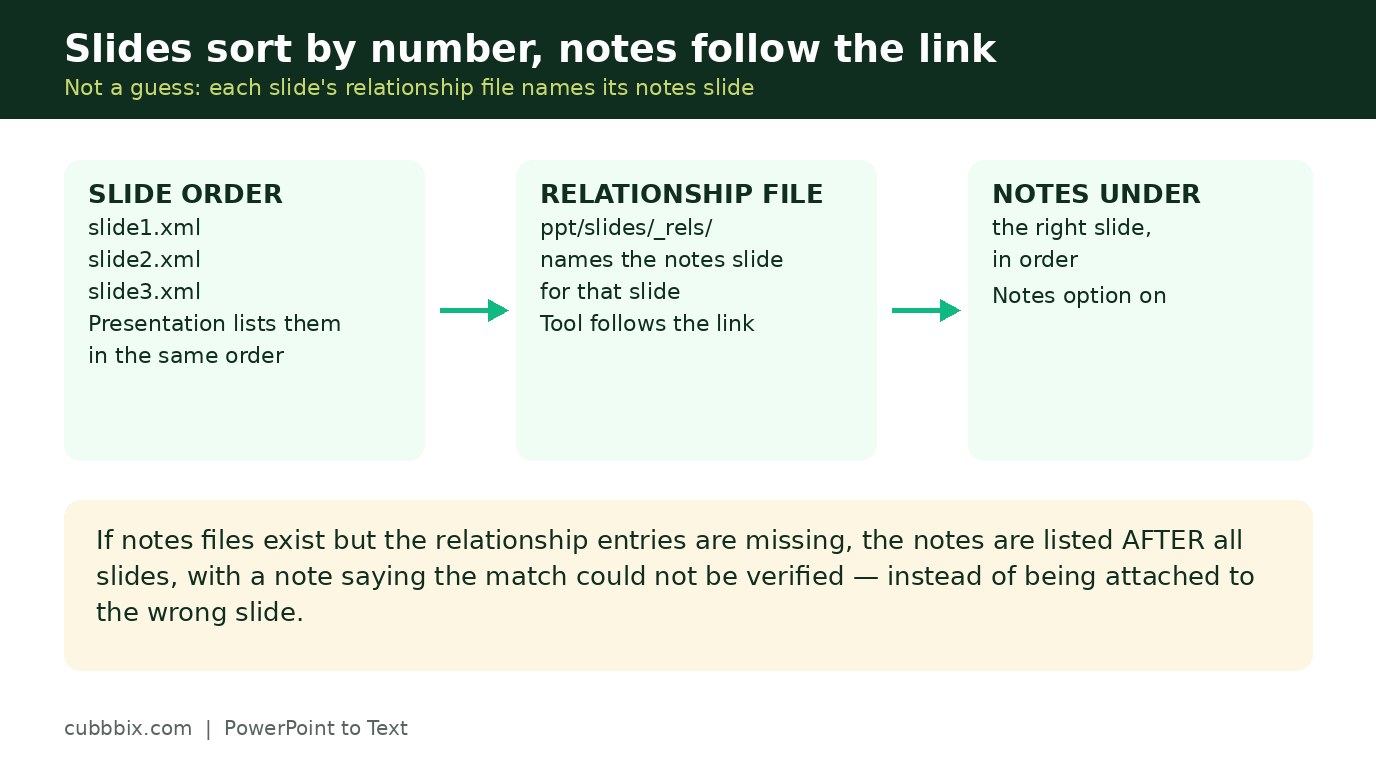
Figure 2: Slides sort by number, and notes follow their relationship link, not a guess.
Why the old .ppt format is refused
The older .ppt format, used by PowerPoint 97 to 2003, is a binary OLE compound file, not a ZIP of XML, so a ZIP-based reader cannot open it at all. This tool declines it plainly instead of failing halfway. Open the file in PowerPoint or LibreOffice, save it as .pptx, and extract from the new file. The macro-enabled .pptm format shares the .pptx ZIP structure, but this tool only accepts .pptx, because running macro content through a text extractor would be the wrong promise to make.
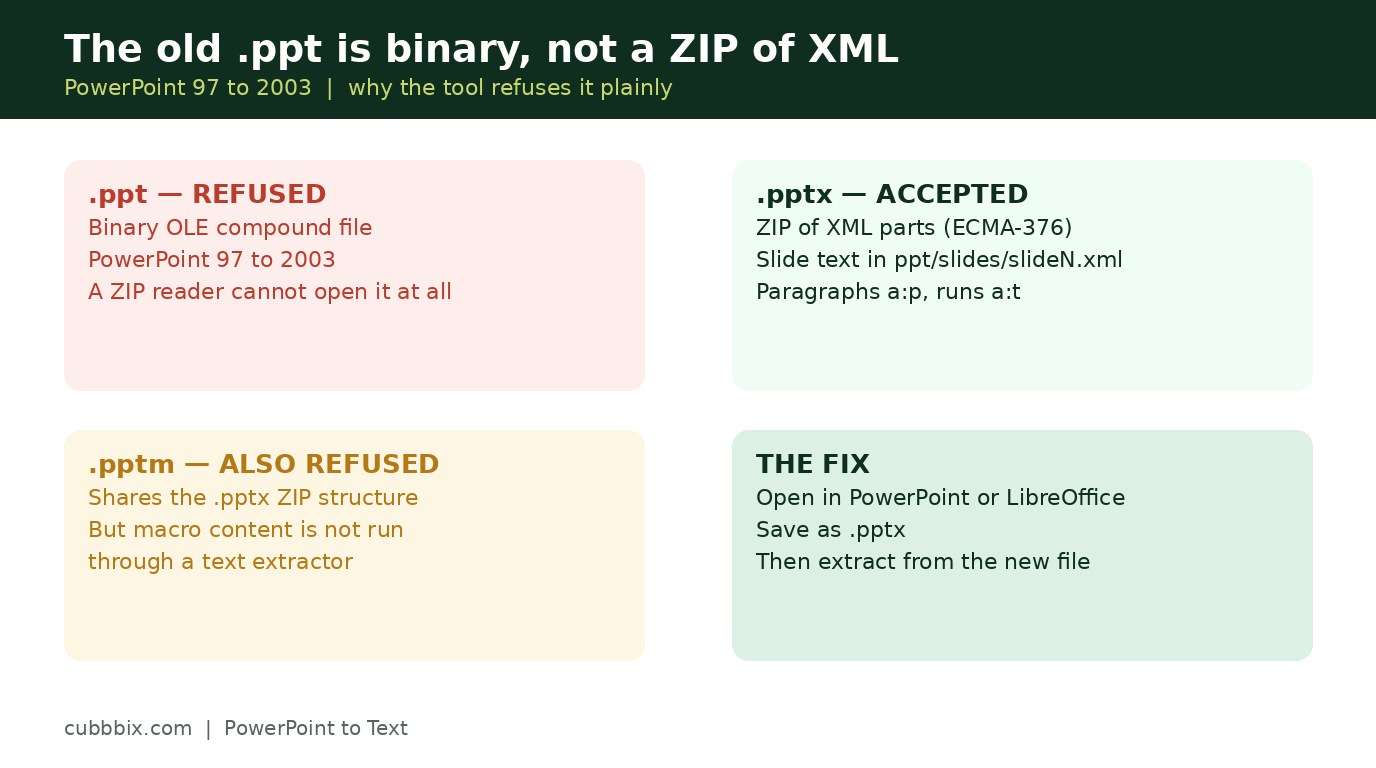
Figure 3: The old .ppt is binary, not a ZIP of XML. Save it as .pptx first, then extract.
Questions people ask
Does it work with the old .ppt format?
No. The older .ppt format from PowerPoint 97 to 2003 is a binary file, not a ZIP of XML parts. Open it in PowerPoint or LibreOffice and save it as .pptx, then extract from the new file.
Are presenter notes included?
Yes, when the notes option is on. Notes are matched to their slide through the slide relationship files. When the relationship entries are missing, the notes are listed after all slides, with a note saying the match could not be verified.
Does this tool upload my deck?
No. The unzipping and the XML reading run in your browser. The file never leaves your device.


Was this article helpful?
Comments
Loading comments...